



As a dentist, scheduling appointments efficiently is crucial for running a smooth practice. Juggling appointments across multiple dentists and hygienists while accommodating patient availability can become complex and tedious.
Implementing the right strategies and technologies can optimize your dental scheduling to make booking fast and effortless for both patients and staff. Here are 10 impactful hacks for easier dental appointment scheduling:
1. Enable Online Booking
Allowing patients to book, reschedule or cancel appointments through your website or mobile app is one of the most effective ways to simplify scheduling.
Online booking integrates directly with your practice management system and is available 24/7, so patients can easily self-schedule at their convenience. This feature significantly reduces calls and workload for your staff.
2. Automate Appointment Reminders
Automatic text, email and phone call reminders reduce no-shows and keep your schedule full. Patients receive customizable reminders at the time of booking and then again leading up to their appointment. Many solutions let patients confirm or reschedule appointments directly through reminders.
3. Offer a Mobile App

A branded dental practice app allows patients to schedule and manage appointments on the go. Apps provide a seamless booking experience with features like real-time scheduling, reminders, paperwork, and payments. Patients can quickly book an appointment during a lunch break or while commuting without having to call the office.
4. Allow Online Intake Forms
Letting patients complete intake forms and paperwork digitally through your website or patient portal saves significant time. Information is submitted securely online and integrated directly into the patient’s electronic dental record. This reduces duplication of work and allows staff instant access to patient information before appointments.
5. Use Multiple Dentist Calendars
Your scheduling software should provide separate calendar views for each provider. This allows your team to easily track the schedules and availability of individual dentists, hygienists, and assistants without juggling multiple windows. It also helps prevent double-booking errors.
6. Enable Waitlist Functionality
A waitlist queuing feature lets patients join a waitlist for soon-to-be-available appointment slots. Patients are automatically notified when an opening arises that matches their preferences, and they can book it immediately online. This fills last-minute cancellations quickly and efficiently.
7. Allow Short Notice Scheduling
Despite your best efforts, same-day schedule changes do occur. Having a fast and simple process for short notice appointment scheduling helps you capture bookings on short notice. Automated waitlist notifications inform patients of new availability so they can schedule quickly.
8. Categorize Appointment Types
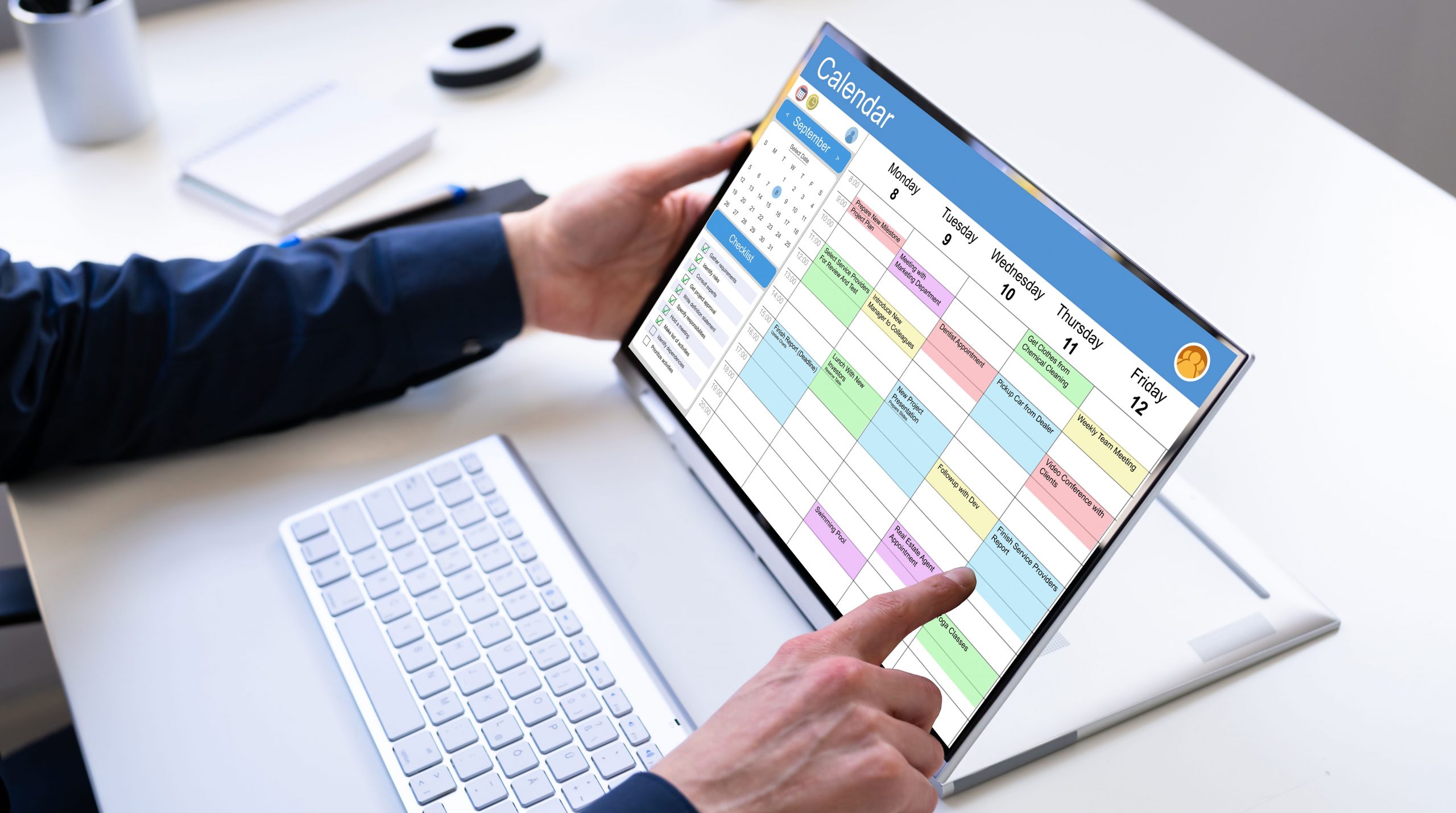
Set up specific appointment categories or service types in your system, such as new patient, recall, emergency, hygiene, restoration, etc. Staff can then accurately record appointment types when scheduling, enabling better reporting and analytics by appointment type.
9. Use Block Scheduling
Block out time slots of a certain length for each service type or procedure, rather than defaulting to a set increment of 15/30/60 minutes. Configure blocks specifically around hygiene visits, new patient exams, cavity fillings, and other common appointment types in your practice.
10. Integrate Your Website Calendar
Link your scheduling software to your website so the online calendar always displays real-time availability for self-scheduling. The online calendar shows new openings and changes as soon as they occur to prevent unwanted calls to confirm availability.
Following these dental scheduling best practices will help your office run smarter. Evaluate your current booking process for areas of improvement, leverage technology like mConsent for automation, and watch your practice become more productive. With these tips, you can achieve scheduling success.