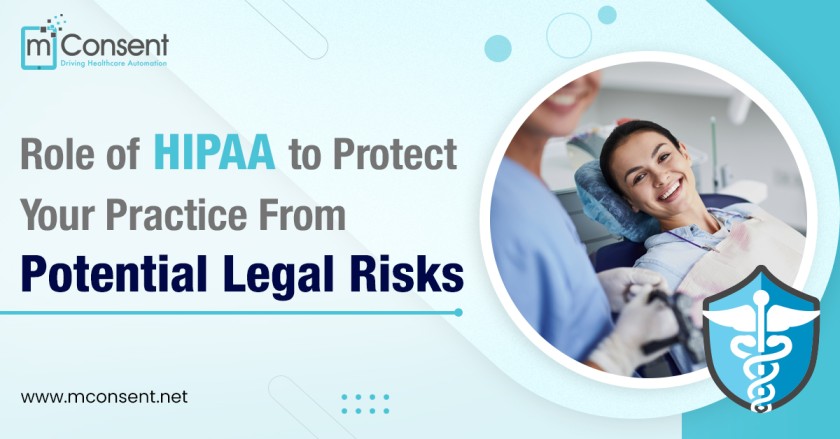




In today’s digital world, ensuring compliance with HIPAA (Health Insurance Portability and Accountability Act) is crucial for running an ethical, legally protected dental practice. Even if you think you’re already following protocol, violations can happen easily. A shocking fact – the #1 trigger for HIPAA audits is patient complaints, not random government probes.
Your front desk staff are the heart of safeguarding sensitive patient information. How they gather personal and medical details, although innocently, could invite violations and serious penalties. Beyond financial consequences, non-compliance erodes patient trust in privacy policies.
In this comprehensive guide, we’ll review how HIPAA compliance intersects with your front desk, where vulnerabilities happen, how to avoid pitfalls through staff training, and why switching to modern technology dramatically elevates protection.
The Moment of Truth: Patient Intake

The intake stage with new patients is filled with delicate HIPAA landmines, usually around paperwork. Traditional paper forms require recording extensive medical histories, dental records, personal data and health plan details – all which must be perfectly safeguarded.
Even if desk staff properly store papers out of sight in between, slip-ups can still occur:
– Patients catch glimpses of other forms lying around
– Papers get misplaced in busy shuffle
– Unlocked cabinets allow accidental exposure
– Discarded forms aren’t properly shredded
Additionally, well-meaning staff might casually mention health specifics or procedures to the wrong individual within earshot. Seemingly harmless mistakes like these are top cited HIPAA offenses in dentistry, and often sparks for audits.
The Problem with Paper
Despite best efforts to conceal printed forms, they inherently violate HIPAA’s “minimum necessary” access rule because personal health information physically moves through multiple hands like a game of telephone. Each transfer – from patient writing to staff handling to dentist reviewing -Incrementally heightens exposure.
Besides intake forms lying openly, other vulnerabilities arise once patients are seen:
– Treatment plans left unattended
– Prescriptions not filed quickly
– Referral letters misplaced
Despite the most stringent protocols, human error is unavoidably part of any dental office environment. Staff get distracted, papers get misfiled, documents get left visible unintentionally. However, while mistakes will transpire even in air-tight practices, relying on antiquated pen and paper intake models exponentially heightens safety risks in today’s digitized healthcare climate. It intensifies vulnerability for sensitive patient information with multiple access points across various hands.
The great news is that safer intake technology exists through modern software. Switching from traditional paper forms to encrypted digital forms marks a monumental upgrade for HIPAA compliance and privacy safeguarding. It consolidates control around authorized access points, eliminating the handshake of file exposure down chains of staff. What’s more, it builds patient confidence that their personal data won’t be seen by the wrong eyes.
Elevating Protection

Switching to modern digital intake forms transforms safety protocols through electronic encryption. Data remains perfectly secured within compliant online databases rather than scattered physically. iPads are handy for front desk convenience while staying continually password protected against unauthorized internal access.
Benefits include:
– Enhanced privacy for patients entering information directly
– Eliminates printing costs and paper waste
– Automated backups for digitized records
– Consolidated document storage
– Greater organization through searchability
– Forms accessible only by approved personnel
This technology upholds stricter “minimum necessary” standards, meaning no excess people ever view sensitive patient details. It also builds patient trust that their most personal information won’t be seen by the wrong eyes.
Implement Ongoing HIPAA Staff Training
Utilizing digital intake forms marks a crucial upgrade for HIPAA compliance. Parallel emphasis must be placed on training staff to uphold privacy principles through accountability. They should demonstrate proficiency in:
– Proper password protection
– Appropriate conversational discretion
– Identifying unpermitted access attempts
– Ensuring documents never reach unauthorized parties
Refresh key healthcare privacy rules and office protocols through frequent quizzes. Have personnel sign updated agreements to take accountability seriously. Lead by example from management down in nurturing an ethical culture devoted to compliance.
Mitigate Risks Proactively
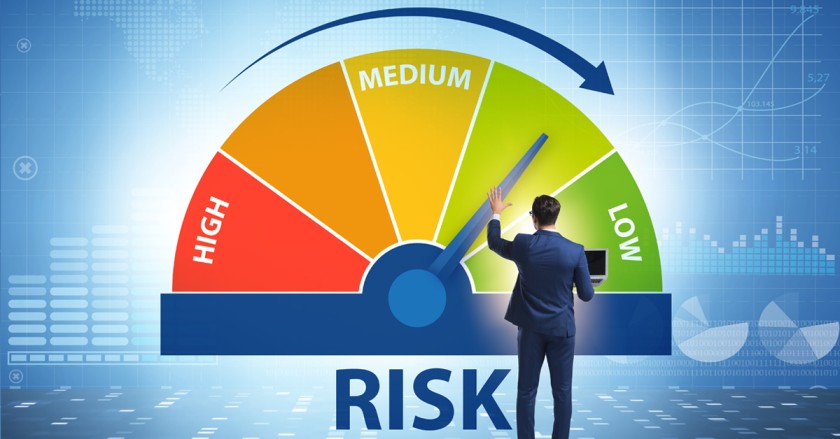
In an increasingly transparent healthcare environment, observing HIPAA guidelines demonstrates your unwavering commitment to patient interests first. Relying upon old models like paper invites more problems than solutions. Step fully into the digital age through advanced technology like mConsent, to reinforce privacy while preventing violations that erode patient trust.
As adoption spreads, mConsent continues enhancing cloud-based dental software for smoother integration and ironclad security aligned with HIPAA’s core aim – safeguarding sensitive patient health information.