
Your own branded
waiting
room TV.
Make waiting room time count. Build trust before the exam with doctor introductions, team photos, 5-star Google reviews, patient education, and kid-friendly content — all on your branded TV, managed from your dashboard.
Branded
Your logo & colors
8+
Content types
30s
Per slide rotation
Easy
Dashboard managed
Make Waiting Room Time Work for Your Practice
Patients are already waiting. Use that time to build trust, educate, showcase your team, and display 5-star Google reviews — all on your own branded TV.
Your Own Branded TV
Customize everything with your logo, colors, and messaging. Give your practice the most professional, polished appeal patients notice.
Educate Your Patients
Share dental treatment info, preventive care tips, and oral health content. Cater to children via cartoons, adults via real-life imagery and videos.
Build Patient Trust
Getting patients acquainted with the Doctor and staff from the waiting room builds trust before the exam. Alleviates anxiety and uncertainty.
A Library of Slide Options to Captivate Patients
Select and customize the slides that best represent your practice. Our most popular features to boost patient interest and engagement:
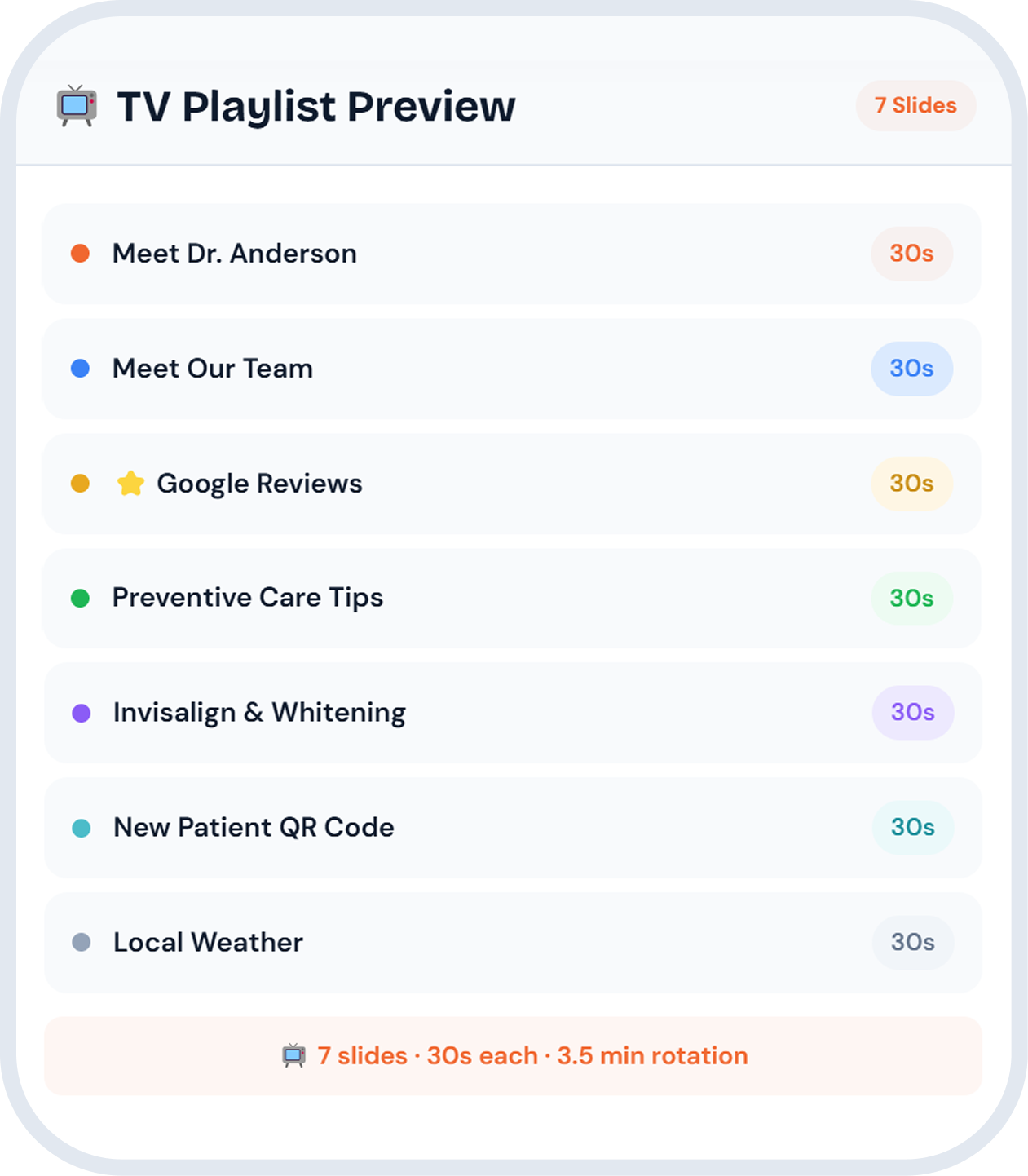
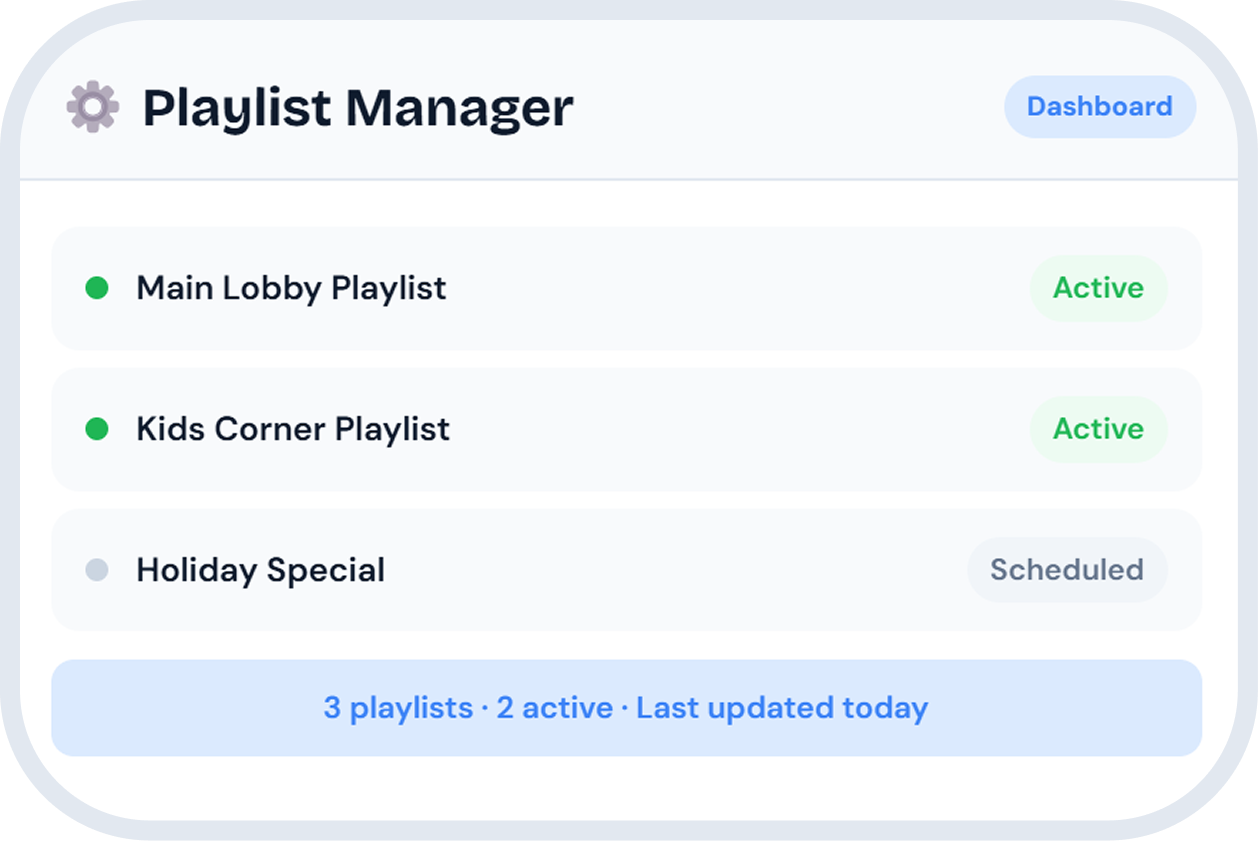
Full Control From Your Dashboard
Upload, personalize, and manage your TV content anytime. Create multiple playlists for different TVs, schedule slide timing, preview before going live.
"Waiting Room TV has been a great addition to our office. It was a breeze to set up and managing my slides is easy. Patients are more engaged in the waiting room and spend less time asking how much longer they have to wait."— Osmaan Salam, Office Manager, Life Smiles Dental Care
Frequently Asked Questions
See how Waiting Room TV builds trust and engages patients
Easy setup. Dashboard managed. Upload your content, customize slides, and go live. We'll walk you through everything in 15 minutes.