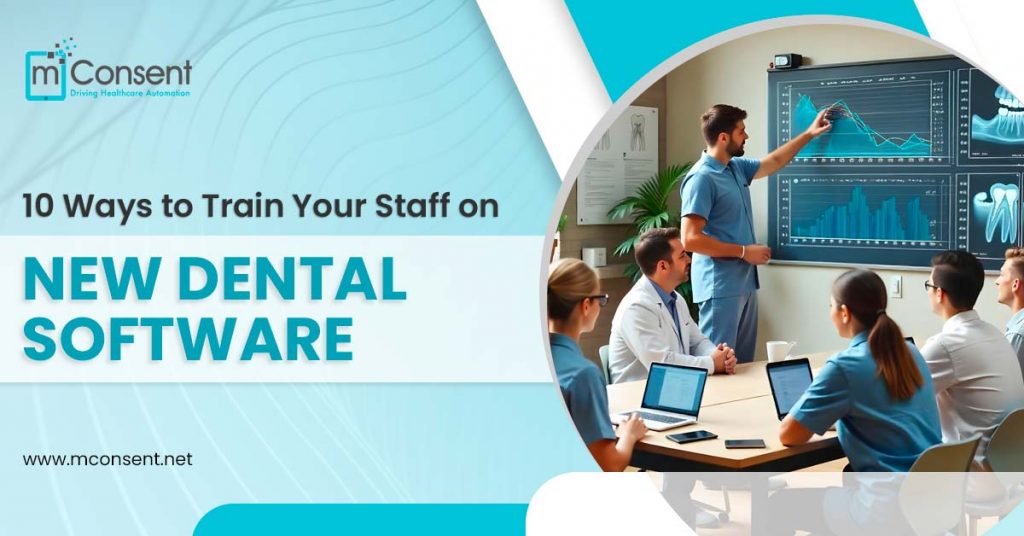




Proper training is essential to ensure a smooth transition and fully utilize the technology. New dental software may transform your practice, enhance patient care, and increase efficiency. However, the success of any new software depends more on how well your staff is trained to use it.
This blog delves into 10 actionable strategies for training your dental team and building confidence in using the new system.
Why Is Ongoing Training Important?
- Ensures Effective Use of Software: Many dental practices invest in software solutions with advanced features but do not use them to their full potential. Ongoing training provides your team with understanding and utilizes all the features, maximizing your return on investment.
- Keeps Up with Software Updates: Regular training ensures your team stays up-to-date and proficient, minimizing disruptions during updates.
- Improves Productivity and Efficiency: Trained employees work much faster and more accurately. They can help reduce patient intake errors and scheduling errors, which can be streamlined for complete efficiency.
- Increases Staff Confidence and Morale: Training motivates employees to feel more confident performing their jobs. A confident team can be very productive and deliver better results because of satisfied morale and an excellent work environment.
- Enhances Patient Care: Your patients are at the heart of your dental practice. Training ensures your staff can use the software to manage appointments, patient records, and billing efficiently, ultimately improving the overall patient experience.
Ways to Train Your Staff on New Dental Software

1. Identification of Needs
Analysis of Needs:
Before designing a training program, identify what is known within your team and what isn’t. Conduct surveys, interviews, and observations to pinpoint areas where there is room for improvement. For example, the front desk needs more training on appointment scheduling, and billing requires in-depth information about the modules in finance.
Train Them as per Role:
Every role within your practice interacts with the software differently. Tailoring training for each receptionist to hygienists will ensure that the learning is pertinent and efficient.
2. Develop a Comprehensive Training Plan
Set Clear Objectives:
Define your training program’s objectives. For instance, your objectives may be to decrease appointment scheduling errors or increase billing accuracy. Set a realistic schedule for your training sessions, starting with an intensive onboarding program and then follow-up sessions over several months.
Assign Resources:
Determine the required resources, whether hiring professional trainers, creating training materials, or dedicating staff time to learning. Ensure that these resources are easily accessible to your team.
3. Choose the Right Training Methods
In-Person Training:
Hands-on, face-to-face training allows real-time interaction, personalized assistance, and immediate feedback. Live demonstrations can be beneficial for complex tasks.
Online Training Modules:
E-learning platforms offer flexibility, enabling staff to learn at their own pace. These modules are ideal for reinforcing knowledge or providing training to new hires.
Webinars and Video Tutorials:
Webinars provide the avenue for interactive, live learning with experts, while video tutorials may be pre-recorded for self-paced learning.
User Manuals and Documentation:
Comprehensive guides and manuals help users frequently refer back to troubleshoot or see how less frequently used features are used.
4. Implement a Blended Learning Approach
Combine Different Methods:
A blended learning approach combines multiple training formats to better fit different learning styles.
Involve All Senses of Learning:
Assume that your team has visual learners, aural learners, and people who are kinesthetic as well. Diverse resources will help everyone learn and retain the information.
Conclusion
Training your dental staff on the new software is an investment in your practice’s success. If you identify what training is needed, combine different teaching methods, and develop a supportive learning environment, your team will easily adapt to the new system. This will not only strengthen your team but also improve the care you provide to patients, efficiency, and general productivity.
By following the strategies outlined in this guide, your team will become confident and proficient users of the new software. Training is not a single event but a continuous process to ensure that your practice remains at the forefront of the ever-changing dental industry.
“
”