
Arrivals, handled - before they reach the front desk.
An iPad-based check-in station designed to verify patient details, capture missing IDs and insurance cards, and route intake forms to a patient's own phone - with data designed to write back to your practice management system.
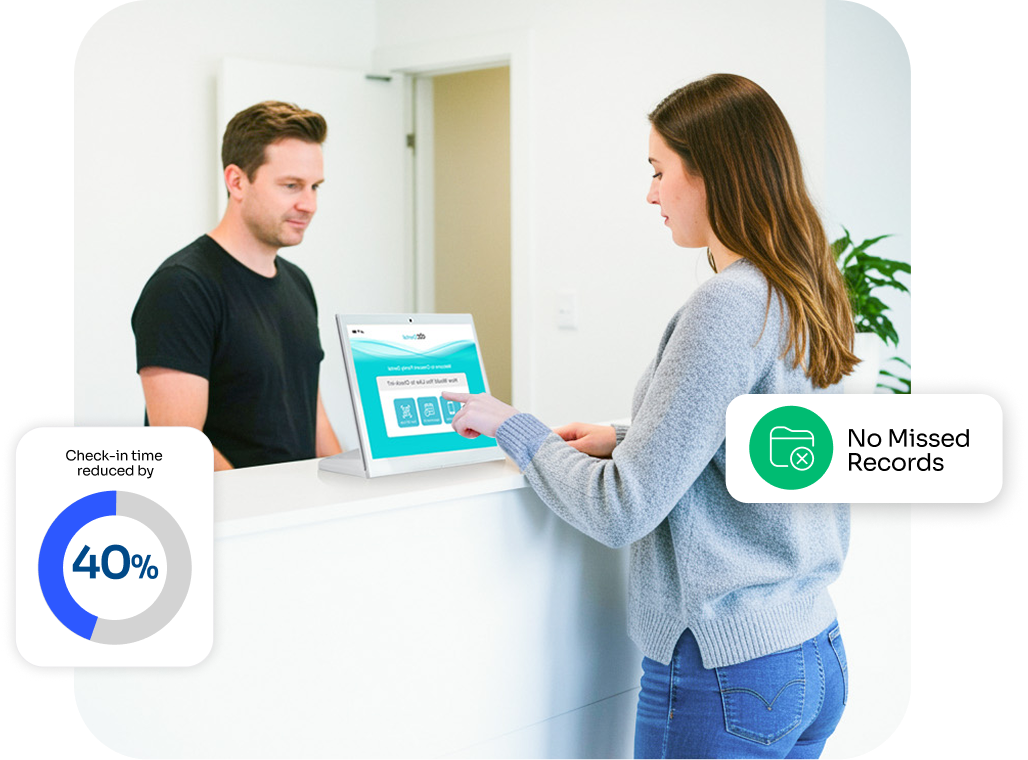
Designed to work alongside your PMS






A four-step flow, built for the lobby.
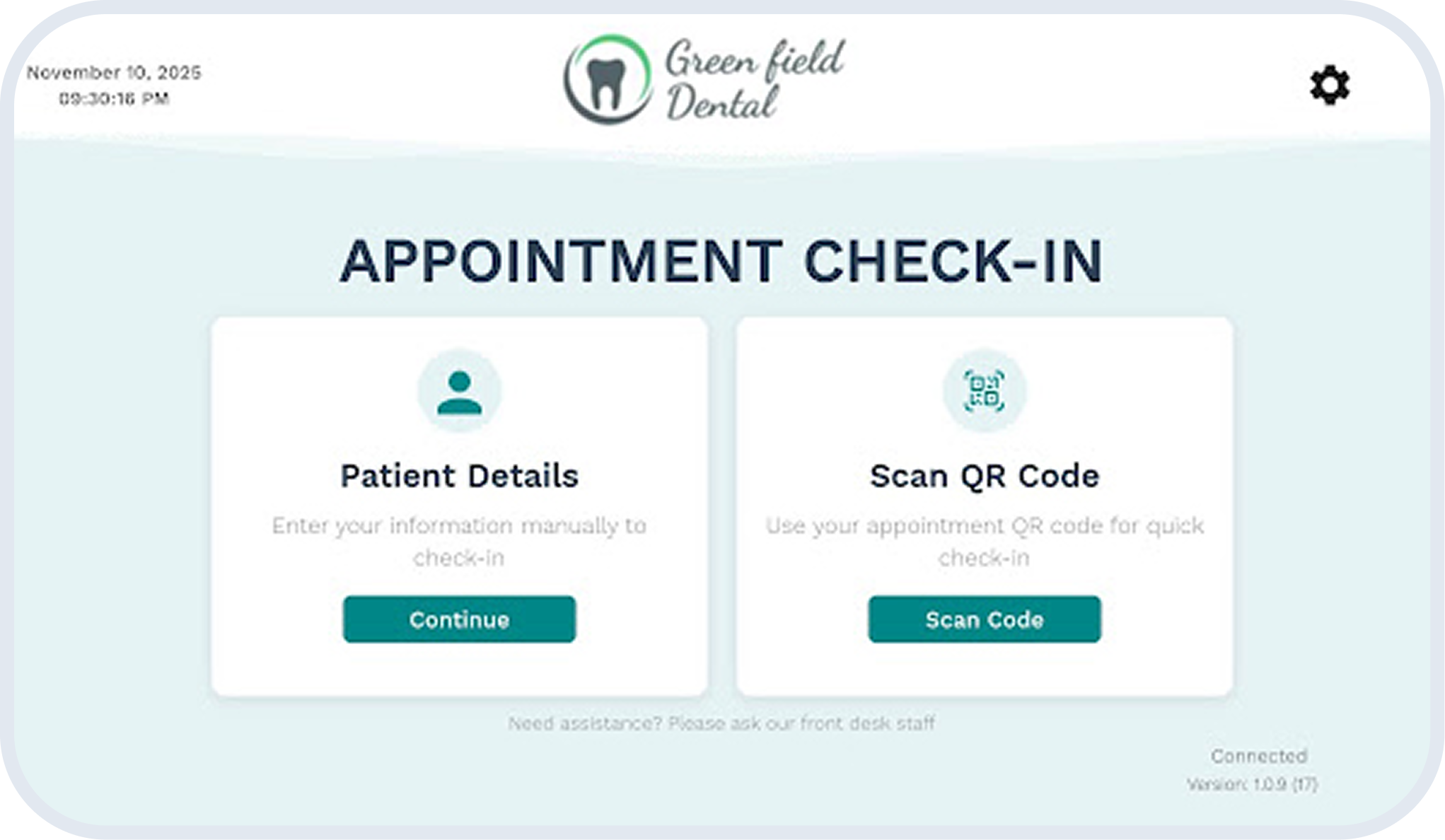
The kiosk is designed to let patients move through arrival, verification, intake, and hand-off without waiting on the front desk.
Patient arrives
Mobile number, date of birth, or a personalized QR code is used to look up the appointment.
Confirm details
Demographics are reviewed; missing items such as IDs or insurance cards are flagged on screen.
Complete intake
Outstanding forms can be finished at the kiosk or delivered to the patient's own phone for completion.
Front desk notified
Once the workflow completes, the front desk dashboard surfaces the patient as ready to be called back.
Designed to standardize arrivals across every chair, every day.
A complete intake station - not just a sign-in screen.
The kiosk is designed to verify identity, capture insurance card and ID images, surface incomplete forms, and route remaining work to the patient's own phone - so the front desk can stay focused on calls and care coordination.
Plug & play setup
iPads ship preconfigured. Connect to Wi-Fi, sign in, and the kiosk is designed to be ready for patients shortly after.
Consistency across locations
Designed for multi-site groups: the same arrival workflow at every office, with central admin controls.
Custom branding
Apply your practice logo and colors so patients see your brand - not generic software.
Designed with HIPAA safeguards
mConsent operates as a Business Associate under HIPAA and executes a BAA with each customer. The kiosk is designed with administrative, physical, and technical safeguards including encryption in transit and at rest.
Less time at the desk
Designed to shorten lobby queues during peak hours so the front desk can focus on calls and coordination.
More than a sign-in. A complete intake station.
Missing insurance card? The kiosk is designed to prompt the patient for a photo. Incomplete forms? Designed to be sent to the patient's phone. The dashboard is designed to surface what is still outstanding so the team can see status at a glance.
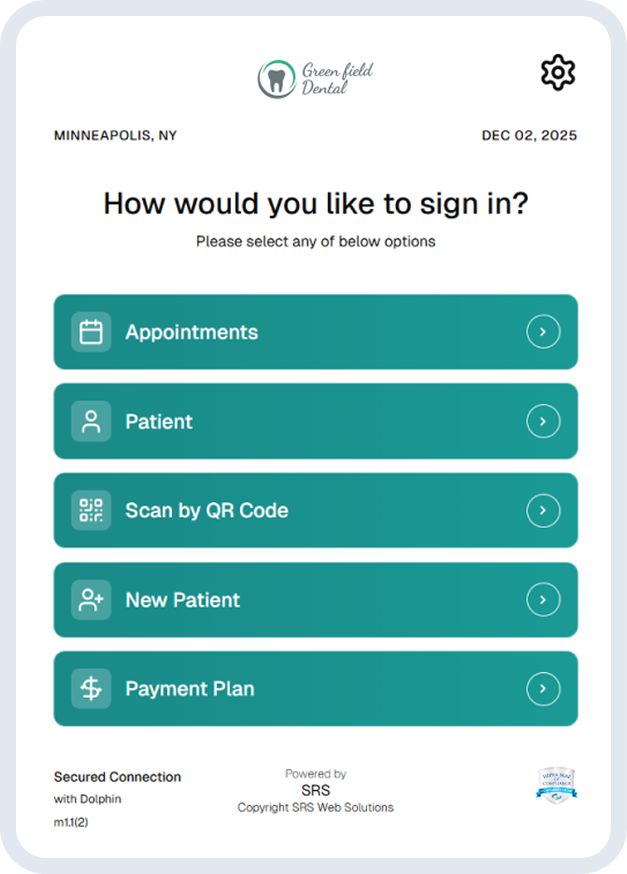
Patients can finish intake on their own device.
When the kiosk identifies missing forms, it can offer to deliver them to the patient's mobile phone (with their consent). Registration, medical history, consent, and HIPAA acknowledgments are designed to be completed in the waiting area and routed back to your PMS.
"The kiosk handles arrivals and shows us who is checked in and who is still finishing forms. If a patient is missing an ID, an insurance card, or a form, the system flags it on screen so we can address it before they sit down."- Office Manager, an Arlington-area general dentistry practice
What teams tell us changes after rollout.
Qualitative observations shared by participating practices. Outcomes are not guaranteed and vary by office.
Steadier arrivals
Front desk teams report a smoother flow during the morning and post-lunch rushes, with fewer patients clustering at the counter.
Cleaner intake records
Practices describe fewer follow-up calls for missing forms, signatures, and insurance details thanks to gap detection at arrival.
More attentive front desk
Because routine sign-in is handled at the kiosk, staff have more time to take phone calls and coordinate with clinical teams.
Pairs with the modules front offices use most.
Paperless Intake
Digital forms, e-signatures, and PMS write-back - the engine the kiosk feeds.
Explore moduleCommunication
Two-way patient messaging that sends form links to phones with consent.
Explore moduleInsurance Concierge
Designed to validate eligibility behind the scenes once intake is complete.
Explore moduleQuestions teams ask before rollout.
See the kiosk flow in about 15 minutes.
A working walk-through of the four-step flow, the front-desk dashboard, and how data is designed to write back to your PMS.
Capability described on this page is illustrative based on typical configurations; actual results vary by practice size, staffing, PMS, and patient mix. Pricing and program terms are governed by the MSA at activation. mConsent operates as a Business Associate under HIPAA and executes a BAA with client practices.




