
Paperless Intake Forms for Dental Practices
Patients complete registration, medical history, and consent on their phone before the appointment. Data flowing into Dentrix, Eaglesoft, or Open Dental through authorized integrations.






Paper intake vs digital intake.
How paperless dental forms transform your front-desk workflow and the patient experience.
Paper-based intake
- 15+ minutes of clipboard time in the waiting room
- Staff manually retypes every field into the PMS
- Illegible handwriting can cause errors and callbacks
- IDs and insurance cards scanned at the front desk
- Physical forms introduce extra HIPAA handling risk
mConsent digital intake
- Forms completed from home before the visit
- Data flows into your PMS through authorized APIs
- Clean typed data - no handwriting to interpret
- ID and insurance cards photographed on patient's phone
- HIPAA-aligned encryption in transit and at rest
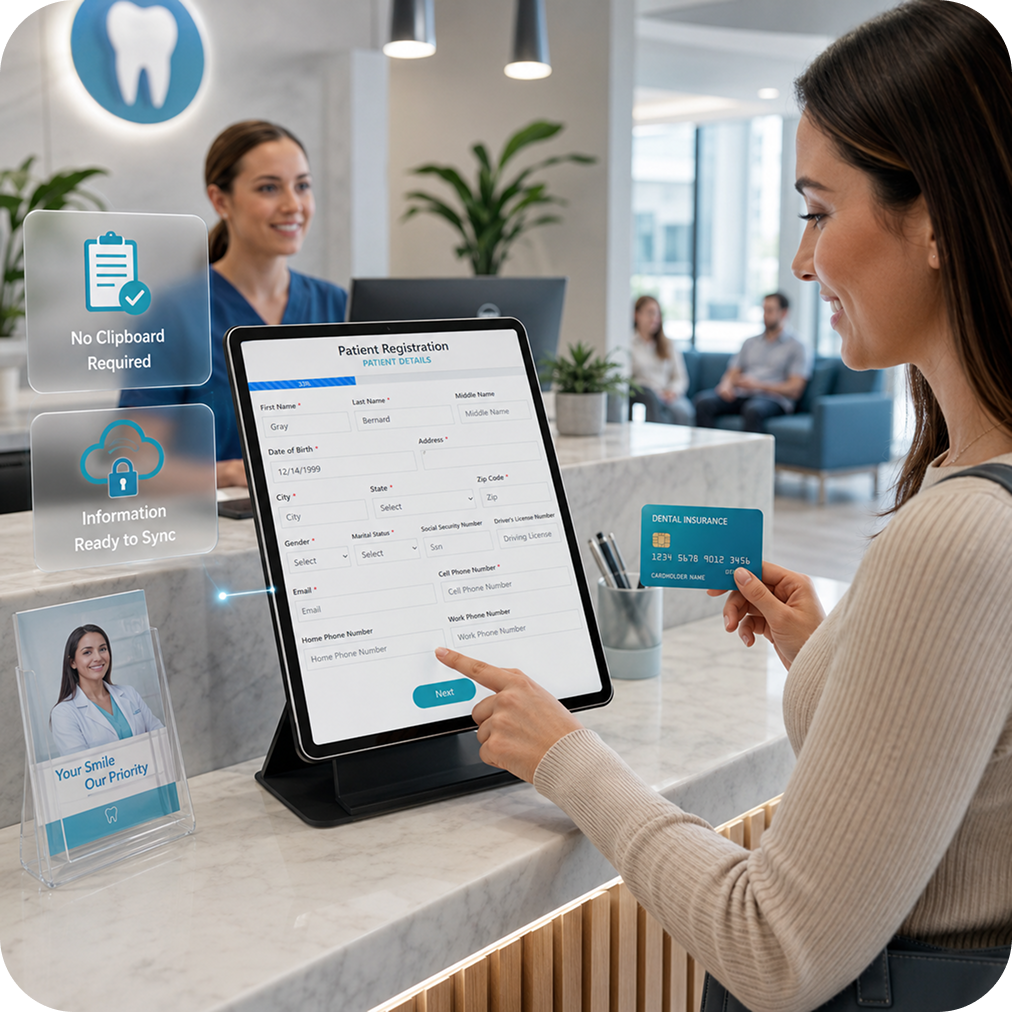
Make patient check-in faster with a self check-in kiosk.
Give patients a faster way to start their visit at your dental office while taking routine intake work off your front desk. The iPad-based kiosk lets patients verify their details, capture ID and insurance cards, complete missing forms, and send outstanding paperwork to their phone. Once intake is complete, your team can see who’s ready, helping create a smoother, more paperless arrival experience.
Learn More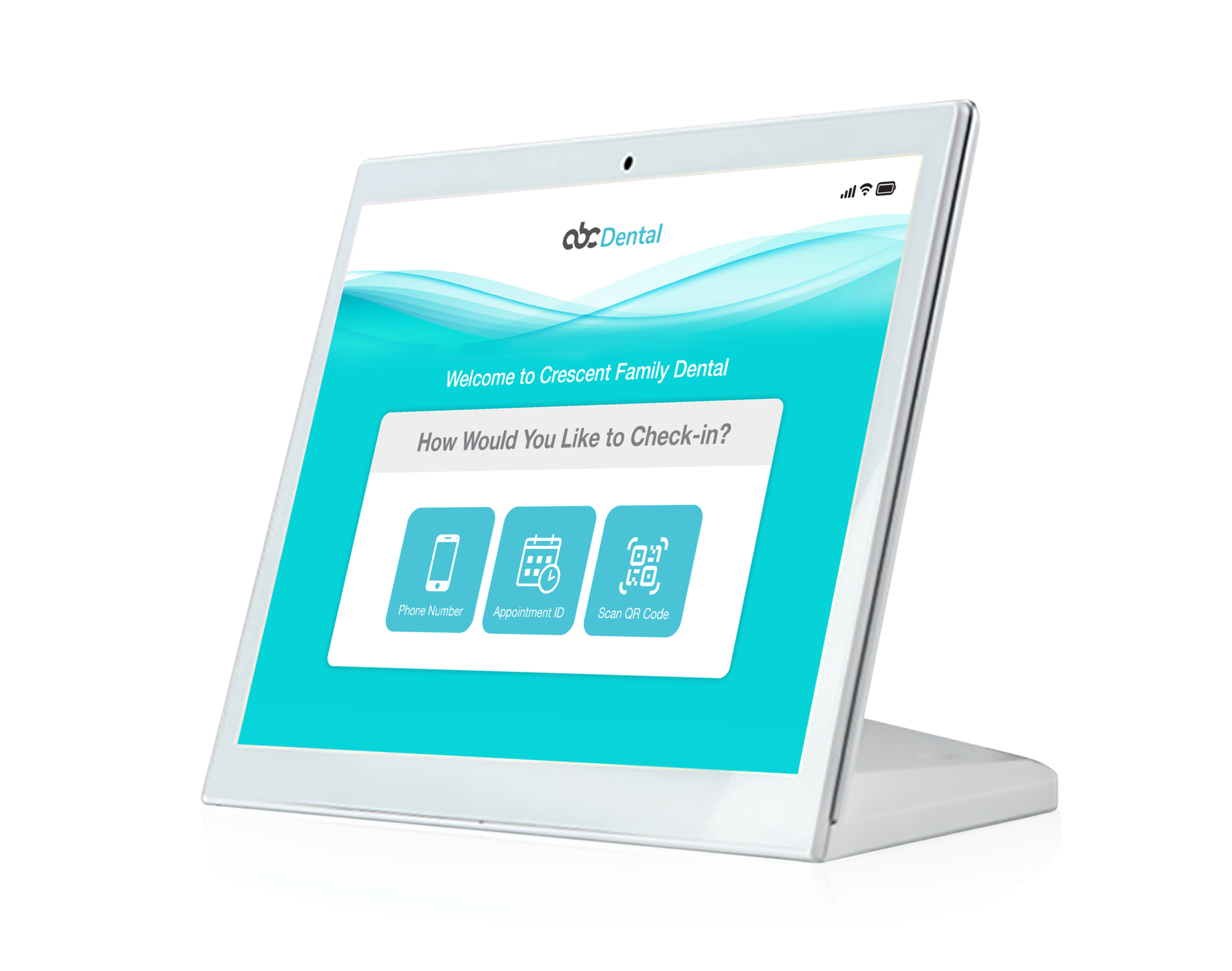
From booking to PMS in three steps.
Patient notification to PMS integration - the entire paperless intake workflow designed to run itself.
Digital forms sent automatically
When an appointment is booked, the patient receives a text and an email with a secure link to your intake packet. Registration, medical history, HIPAA consent, insurance, and any custom forms your practice uses.
Patients complete at home
Patients fill out forms on any device, upload photos of their ID and insurance card, and apply e-signatures. For walk-ins, hand them your branded iPad with the same forms pre-loaded.
Data flows into your PMS
Submitted forms transfer into Dentrix, Eaglesoft, Open Dental, Dolphin, or other supported PMS environments through authorized integration channels. Doctors Review lets providers approve before final submission.
See how paperless intake actually works.
A quick walkthrough of the patient experience, front-desk workflow, and PMS sync - so you can evaluate fit fast.
What you’ll see
No sales pitch. Just the patient experience, what your team stops doing, and how the data lands in your PMS.
- How patients complete forms from home (text + email link)
- ID + insurance photo capture on the patient’s phone
- How the data transfers into Dentrix, Eaglesoft, or Open Dental
- What your team sees at check-in (and what you stop doing)
Every HIPAA-aligned form your practice needs.
Digital versions of every packet you already use - plus a drag-and-drop builder for anything unique to your practice. Every field maps to your PMS.
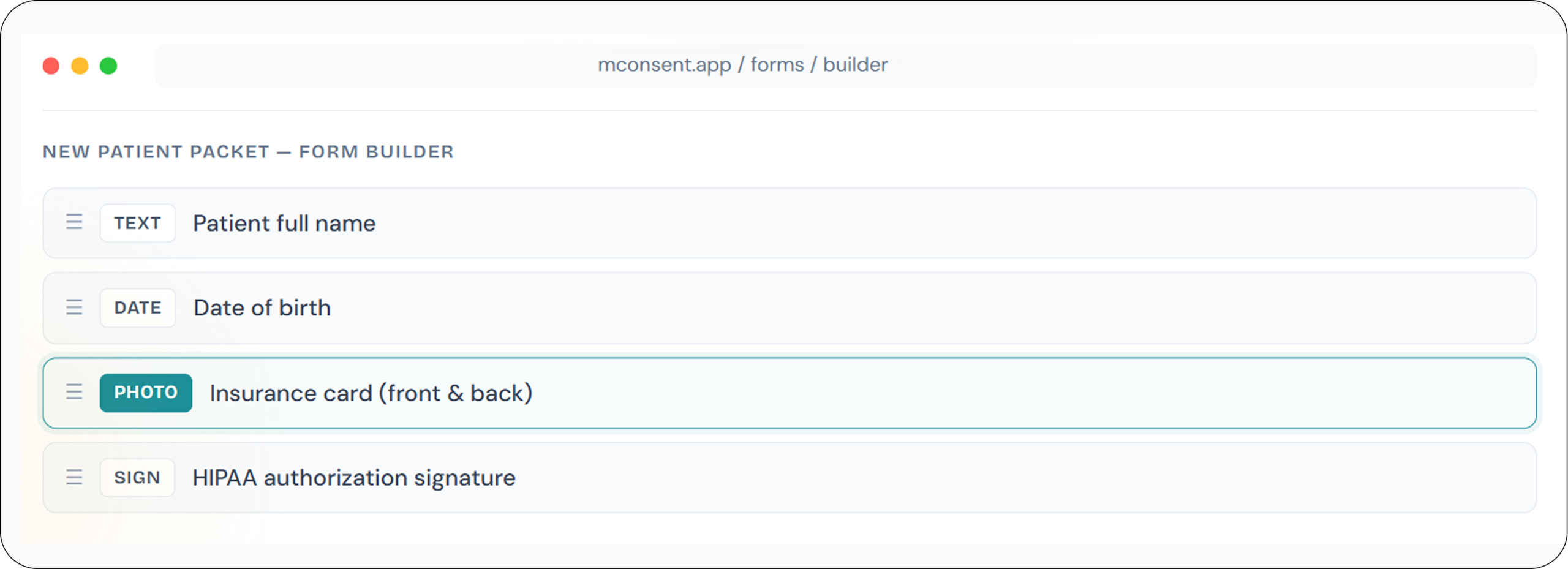
Custom practice forms - built in minutes.
If your practice uses a form unique to how you work, our drag-and-drop builder turns it into a HIPAA-aligned digital form that syncs to your PMS. Or hand us your PDFs and we’ll digitize every field for you.
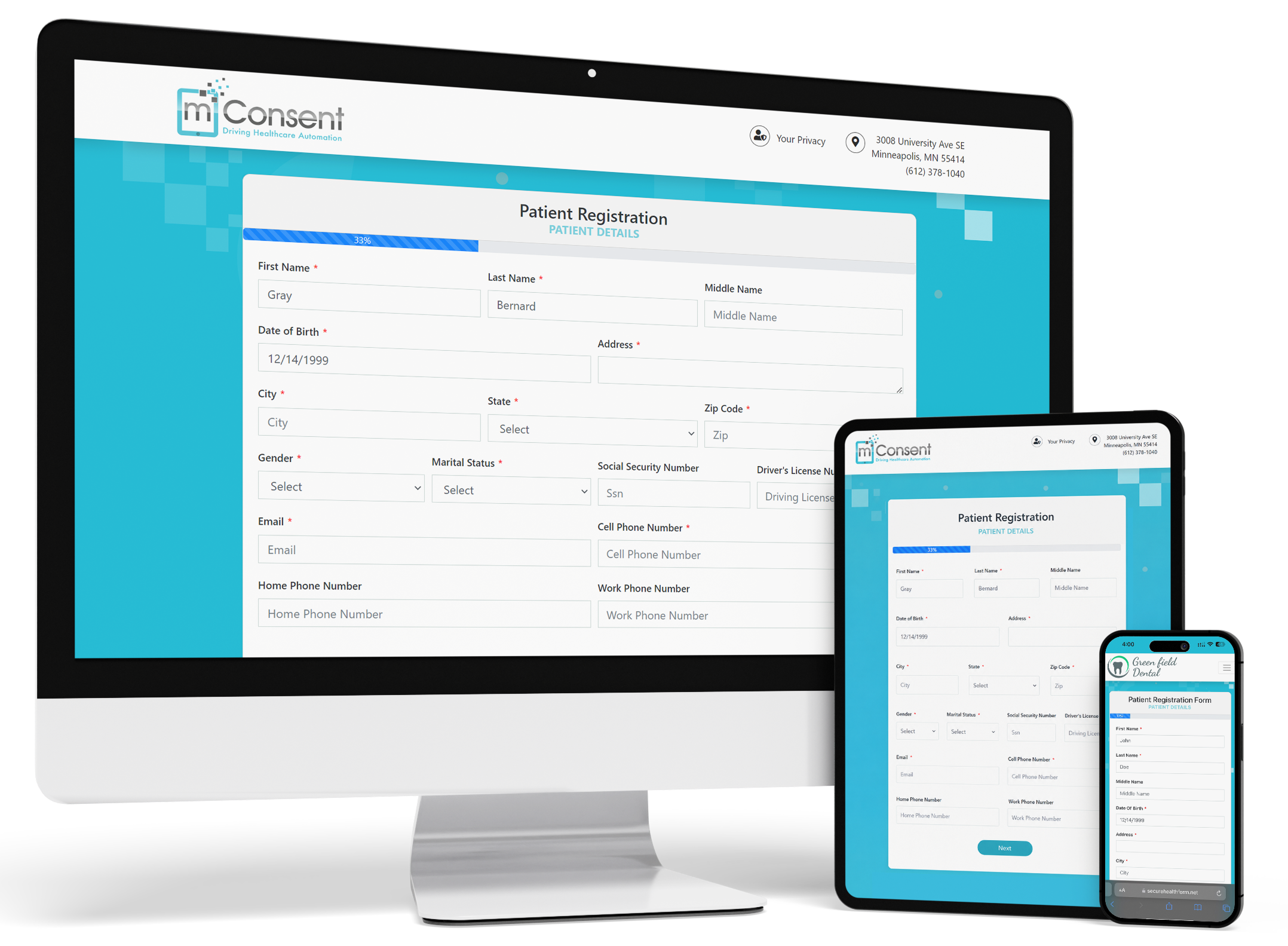
Patient registration
Demographics, contact info, emergency contacts - mapped directly to your PMS fields.
HIPAA authorization
Privacy notices and release authorizations with e-signature capture and audit trails.
Medical history - with conditional logic
Comprehensive health questionnaires that dynamically ask follow-up questions based on patient answers. Conditions, medications, allergies, surgical history - all structured for PMS mapping.
Insurance cards
Photo capture of insurance card front and back, with policy data extracted to your PMS.
Treatment consent
Procedure-specific consents with e-signature capture, designed to sync to PMS on approval.
Informed consent
Procedure-specific informed consent with digital signature capture and compliance tracking.
Financial agreement
Payment policies and financial responsibility forms with e-signature - captured before the visit.
Your go-live, without chaos.
Whether you’re moving from paper or switching from another digital forms tool - we map your packets, validate the workflow, and train your team so launch day stays calm.
Kickoff + packet mapping
We review your current paper packet and convert every form into digital templates - registration, medical history, consents, and any custom documents your practice uses.
Integration + workflow test
We validate your intake flow end-to-end: patient experience on phone, staff review on your side, and PMS sync into Dentrix, Eaglesoft, or Open Dental.
Team training
Front-desk training for daily use plus quick-reference playbooks so new staff can ramp fast - no one left guessing when the first patient arrives.
Go-live + optimization
We monitor early usage, help refine packets by appointment type, and reduce patient drop-offs over the first 30 days of real use.
We rebuild your packets
We recreate your exact intake packets - new patient, recall, pediatric, ortho, specialty - and map fields so your front-desk workflow stays familiar on day one.
We sync + validate
We connect to Dentrix, Eaglesoft, or Open Dental and validate a real patient flow so your team trusts the data before you commit to go-live.
Go live without chaos
Short staff training, launch checklist, and an optional parallel run alongside your current tool. Most practices go live in approximately 7 days.
What practices actually need.
A quick, honest comparison of the capabilities that matter for PMS sync, migration, and front-desk simplicity.
Paperless dental forms - sent automatically.
Digitize every intake form your practice uses - standard templates and any custom forms unique to your workflow. Patients receive the packet automatically when an appointment is booked.
- Fully customizable - use your existing packets or build new ones in our editor.
- Pre-populated fields - returning patients see their information already filled in.
- Form packets - send individual forms or a bundle tailored to the appointment type.
- TCPA & HIPAA aligned - SMS delivery with patient consent; encrypted data in transit and at rest.
Your own branded iPad for walk-in patients.
We build a personalized iPad app with your practice logo and digital forms - consent, registration, medical history, and more. Walk-ins fill out everything on your branded iPad at check-in.
- Fully personalized - your logo, branding, and forms on a dedicated iPad.
- Tech-forward impression - patients experience a modern, digital-first practice.
- Same forms, same sync - iPad submissions flow to your PMS identically to remote forms.
- No paper clutter - designed to remove clipboards from your front desk entirely.
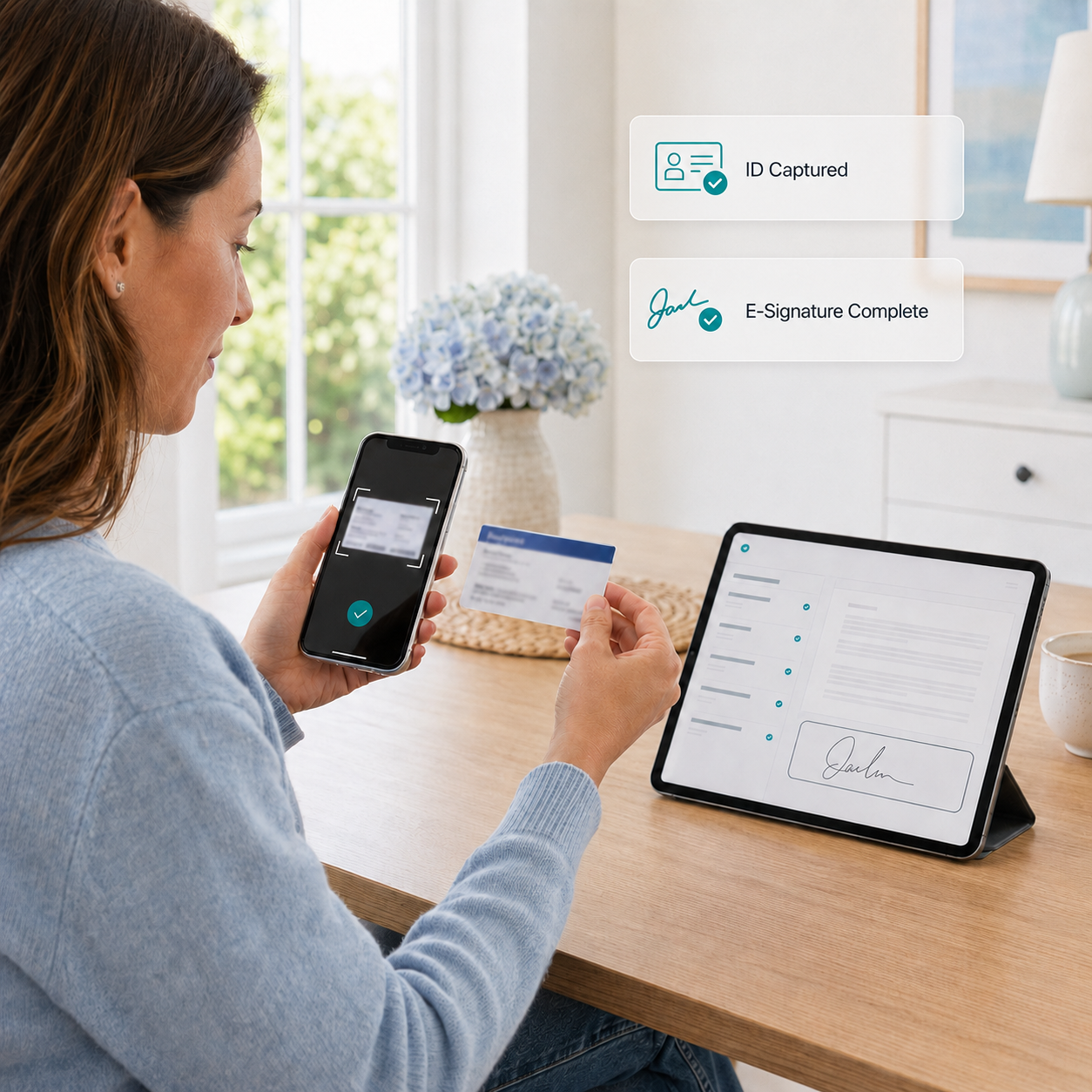
IDs, insurance cards, treatment plans.
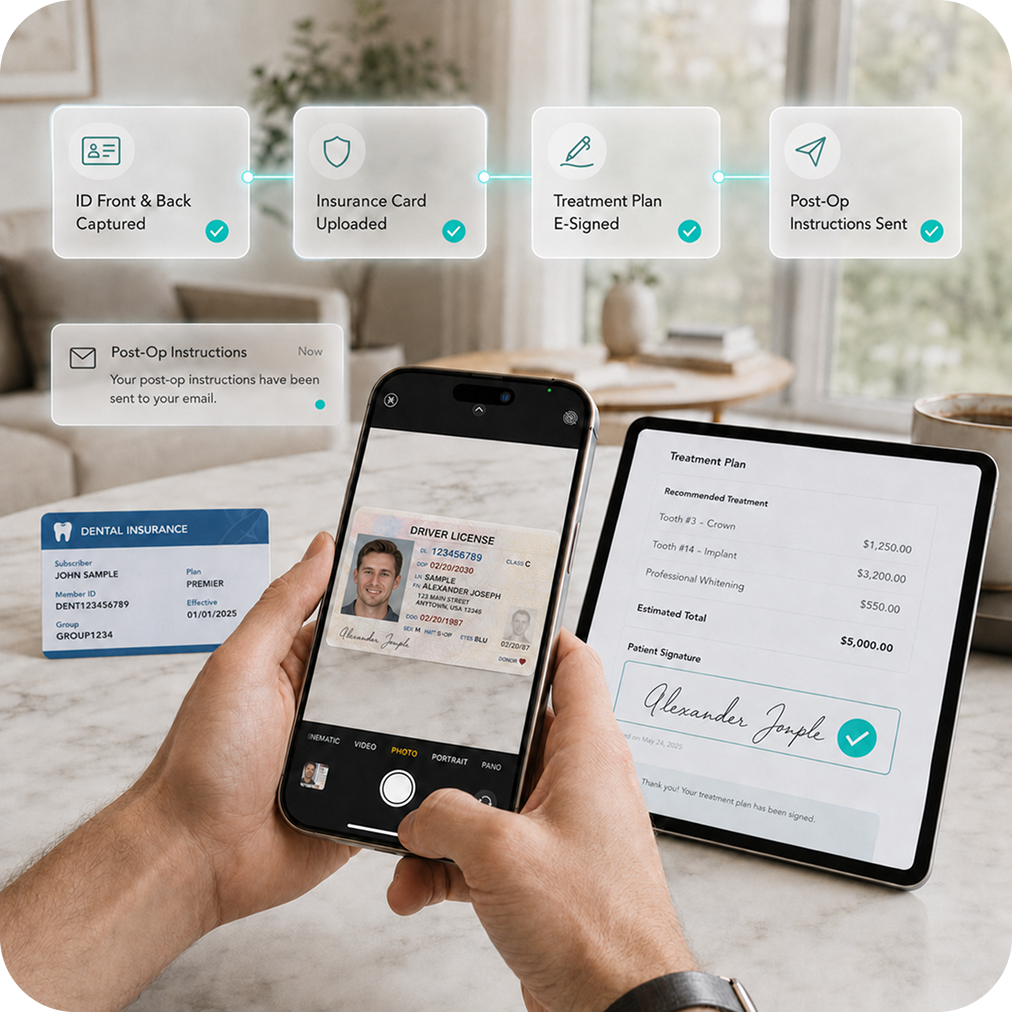
No more scanning at the front desk. Patients photograph their driver’s license and insurance cards from home as part of the digital intake. After treatment, send digital treatment plans and post-op instructions.
- Photo capture - front and back of ID and insurance cards via phone camera.
- Digital treatment plans - patients review and e-sign from home on any device.
- Post-op instructions - sent by email in one click after the visit.
- E-signatures - designed to be legally enforceable on every form and treatment plan.
From general dentistry to every specialty.
Whether you run a solo general practice, a busy specialty office, or a multi-location DSO - mConsent configures the right packets, consent language, and workflow for your team.
Everyday general practice workflows
Standard new-patient packets, medical history, HIPAA authorizations, and treatment consents - tuned to your PMS field mapping and daily check-in flow.
Ortho intake + consent packets
Orthodontic-specific intake, treatment consent, and financial agreement packets sent automatically - with photo capture and typed data.
Pediatric intake parents actually finish
Mobile-first forms, guardian details, medical history, and consents - completed at home so check-in stays fast for families.
Endodontics + PBS Endo integration
Streamline intake for endo referrals and emergency visits. Supports endo workflows and integrates with PBS Endo where applicable.
Implant and oral surgery packets
Surgical consent forms, anesthesia acknowledgments, detailed medical history review, and post-op instruction delivery for complex procedures.
Periodontics and every other specialty
Perio maintenance schedules, prosthodontic intake, cosmetic consultation packets, and custom forms for any other specialty your practice runs.
Built for dental service organizations & multi-location practices.
Standardize patient intake across every location, keep data consistent inside your PMS, and give your ops team the visibility they need - without creating front-desk chaos at each office.
Standardized packets
Deploy the same intake packets, consent language, and branding across every location.
Rollup reporting
Ops-level visibility into completion rates, check-in times, and data quality across the portfolio.
Role-based access
Location managers, regional directors, and corporate ops each see the right slice of data.
Multi-PMS support
Locations on Dentrix, Eaglesoft, Open Dental, or mixed - we connect to each.
Paperless intake is the foundation.
Once intake is automated, practices typically expand into payments, insurance verification, and analytics to reduce front-desk workload and increase revenue per visit.
mPayr Payments
Collect payments by text, email, or terminal - plus offer flexible payment plans to support case acceptance.
Explore mPayrInsurance Concierge
Dedicated verification team runs eligibility checks and benefit breakdowns - designed to take calls off your front desk.
Explore ConciergePractice Analytics
Track show rate, production vs collections, treatment acceptance, and front-office KPIs in one dashboard.
Explore AnalyticsGet a new-patient intake packet - attorney reviewed.
A professionally structured dental intake packet (registration, medical history, HIPAA authorization, and consent templates) designed to reduce front-desk back-and-forth and improve data quality.
- Ready-to-use editable templates for new patients
- HIPAA & consent language reviewed by an attorney
- Bonus: suggested form-packet structure by appointment type
Estimate your annual savings from paperless intake.
A rough estimate of front-desk payroll-equivalent time saved by moving from paper to digital intake.
Your practice numbers
Drag the sliders to estimate
Intake + data entry time reclaimed
Front-desk payroll rate
Want to see how these numbers play out for your practice setup? We’ll walk through your PMS, patient volume, and packets.
Book a 15-Min Demo See calculator methodologyWhen we joined mConsent, all that headache - scanning, printing, importing, shredding - was gone. It was so seamless and easily transitioned. I genuinely wish I had done this 10 years ago.




Paperless dental forms FAQ
What is dental patient intake software?
Are digital dental forms HIPAA compliant?
Does mConsent integrate with Dentrix and Eaglesoft?
How fast can I go live with paperless intake?
Can patients fill out dental forms on their own phone?
Can walk-in patients use digital dental forms?
What forms are included?
How is switching from another forms provider handled?
Are e-signatures on dental forms legally enforceable?
How is paperless intake priced?
5,000+ practices already switched to paper intake.
A 15-minute demo. We’ll show you how your digital forms, PMS, and front-desk workflow all connect.
Important disclosures
Screenshots and form mock-ups on this page are illustrative. Customer testimonials reflect individual experiences and are not typical. Actual implementation timelines, savings, and workflow outcomes vary by practice size, PMS, patient volume, custom-form complexity, and staff training. Specific integration scope, pricing, and service terms are defined in your Master Service Agreement with mConsent.
The short version. Screenshots and form mock-ups on this page are illustrative. Customer testimonials reflect individual experiences and are not typical. Actual implementation timelines, savings, and workflow outcomes vary by practice size, PMS, patient volume, custom-form complexity, and staff training. Specific integration scope, pricing, and service terms are defined in your Master Service Agreement with mConsent.
HIPAA, TCPA, and system naming. mConsent operates as a Business Associate under HIPAA and executes a BAA with each customer. SMS delivery of forms and reminders is subject to TCPA and requires patient consent. Third-party PMS product names identify systems mConsent integrates with and do not imply endorsement beyond the integration relationships disclosed.
“Done before they arrive” headline. “Done before they arrive” refers to the designed paperless-intake workflow: patients are sent forms ahead of the appointment and asked to complete them before check-in. Actual patient completion rates depend on appointment lead time, whether patients receive and open the form link, patient device use, and the complexity of the custom packet. For walk-ins and patients who do not complete forms in advance, mConsent provides branded iPad and kiosk options for check-in.
Implementation timeline (“typically 7 days”). “Typical implementation is 7 days” reflects observed go-live timing for standard paperless-intake deployments. Actual implementation time for any individual practice varies with your PMS, the modules selected, custom-form complexity, team training availability, and practice readiness. “Typical” is not a contractual service-level commitment; specific implementation scope, deliverables, and any service-level commitments are defined in your Master Service Agreement with mConsent.
PMS partnerships & integration scope. References on this page to “Authorized Dentrix Connected Partner” and “Eaglesoft Authorized Technology Partner” reflect mConsent’s current participation in the Dentrix Connected program operated by Henry Schein One and the Patterson Dental technology partner program for Eaglesoft. Partnership designations are subject to program renewal and ongoing compliance with vendor terms. Integration capabilities, available sync fields, and vendor-supported channels are subject to change as PMS vendors update their products. Data sync behavior and timing also depend on the specific PMS integration channel in use, the modules selected for your practice, and configuration choices made during implementation. Available integration scope for your practice is confirmed during onboarding and reflected in your Master Service Agreement.
Testimonials & individual results. Customer quotes on this page reflect individual practice experiences. Individual results are not typical and depend on practice size, patient volume, the specific PMS in use, implementation quality, staff training, and ongoing usage. Past performance of any practice is not predictive of results at another practice.
ROI calculator methodology. The ROI calculator on this page estimates payroll-equivalent front-desk time savings based on the inputs you provide (patients per day, minutes saved per patient, operating days per week, blended hourly wage, and weeks per year). It does not account for training time, error-reduction benefits, callback reductions, or other operational impacts. Calculator output is an illustrative estimate, not a forecast of your actual financial outcomes, which depend on many factors outside the calculator’s scope.
Third-party review ratings. Ratings and scores shown on this page (including G2, Capterra, and Google) are sourced directly from those third-party platforms and reflect scores as of April 2026. Ratings change over time and mConsent does not control, verify, or guarantee their ongoing accuracy. Display of a platform’s name, logo, or score does not imply that G2, Capterra, or Google endorses, sponsors, or is affiliated with mConsent.
Attorney-reviewed packet. The downloadable intake packet contains HIPAA and consent template language that has been reviewed by an attorney. The templates are provided for informational purposes only and are not legal advice. Dental practices should have their own legal counsel review and adapt templates to their specific state laws, specialty, and practice circumstances before use.
E-signatures & enforceability. mConsent’s e-signature capture is designed to produce signed records with timestamp and audit-trail information suitable for enforceability under the federal Electronic Signatures in Global and National Commerce Act (ESIGN) and state Uniform Electronic Transactions Act (UETA) or equivalent state laws. Enforceability in any specific dispute depends on the form’s content, the circumstances of the signing event, and the governing law. Practices should confirm enforceability for their specific form types with their own counsel.
HIPAA & TCPA compliance. mConsent operates as a Business Associate under HIPAA and executes a Business Associate Agreement (BAA) with each customer. mConsent maintains administrative, physical, and technical safeguards designed to meet HIPAA requirements. SMS delivery of intake form links, appointment reminders, and related messaging is subject to the Telephone Consumer Protection Act (TCPA) and requires patient consent; mConsent provides opt-in and opt-out tooling to support practice compliance. View our security practices
Trademarks & non-affiliation. Dentrix and Dentrix Ascend are trademarks of Henry Schein One, LLC. Eaglesoft is a trademark of Patterson Dental Supply, Inc. Open Dental is a trademark of Open Dental Software, Inc. Dolphin is a trademark of Dolphin Imaging & Management Solutions. PBS Endo and other third-party product names are trademarks of their respective owners. Use of these names on this page identifies the practice management systems with which mConsent is designed to integrate and does not imply endorsement, sponsorship, or affiliation beyond the partnership designations disclosed.
Contract controls. Specific integration capabilities, pricing, implementation timelines, and service terms for your practice are confirmed during onboarding and defined in your Master Service Agreement with mConsent.




