Technology
partner
Run Dolphin your way. Let mConsent handle the rest. Less busywork at the front desk.
Keep your team working in Dolphin while mConsent automates the tasks around it. As your Dolphin integration partner, mConsent automatically updates forms, contact and responsible party details, confirmations, and approved online bookings in Dolphin. It also uses your schedule and recall dates to time patient reminders, helping your team reduce manual work and keep patients on track with less effort at the front desk.

Dolphin stays your home base. Manual tasks move out.
No new system to learn or extra window to monitor. Patients complete forms and confirmations through mConsent, and the results sync with Dolphin, right where your team already works. This Dolphin integration helps reduce manual data entry and keep daily workflows moving.
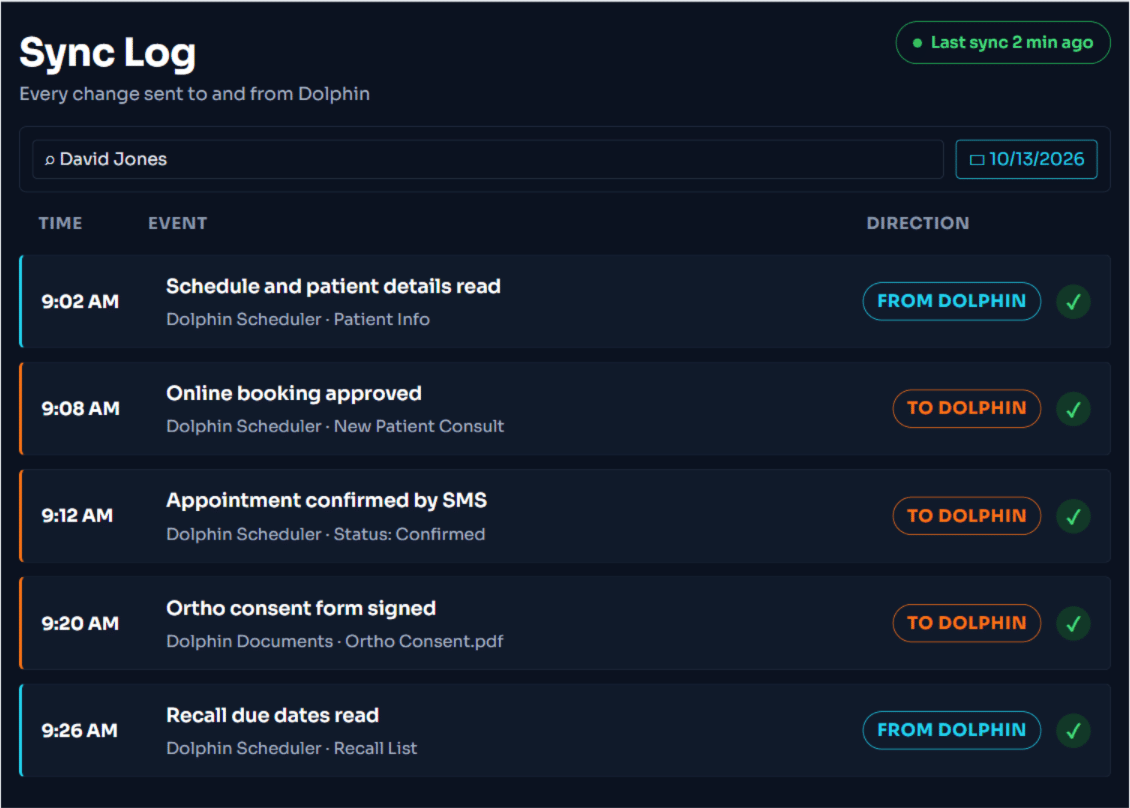
Dolphin data in, paperwork out.
Scanning forms, retyping medical histories, and calling patients to confirm appointments take time away from your front desk. mConsent automates these tasks and keeps Dolphin updated, so your team spends less time on manual work with dental front desk automation software.

How data moves between mConsent and Dolphin
Patients
3 syncsForms
1 syncScheduling
3 syncsRecall
2 syncsEvery sync, side by side.
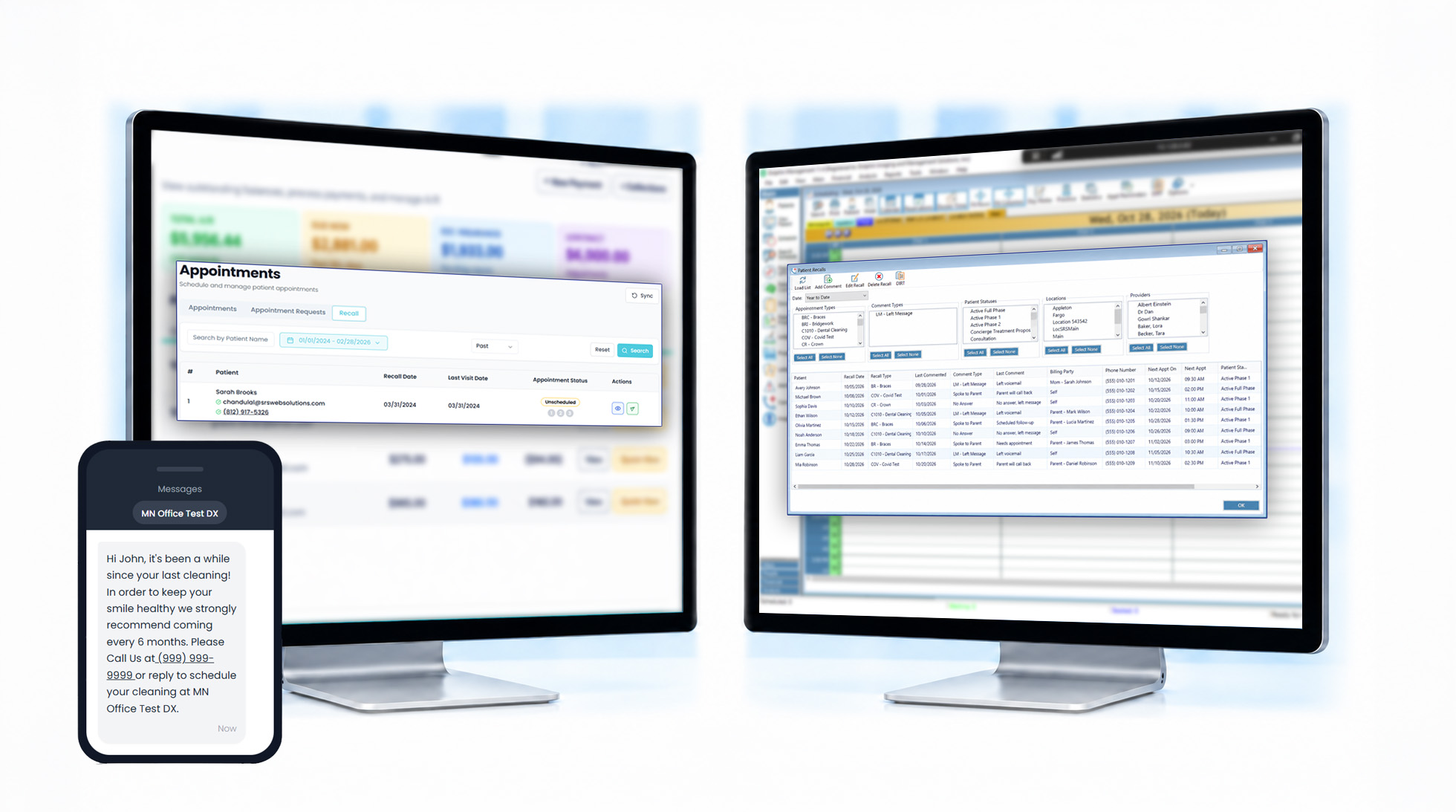
Compare the mConsent screen with the Dolphin screen for each sync and see exactly how patient data moves between the two systems.
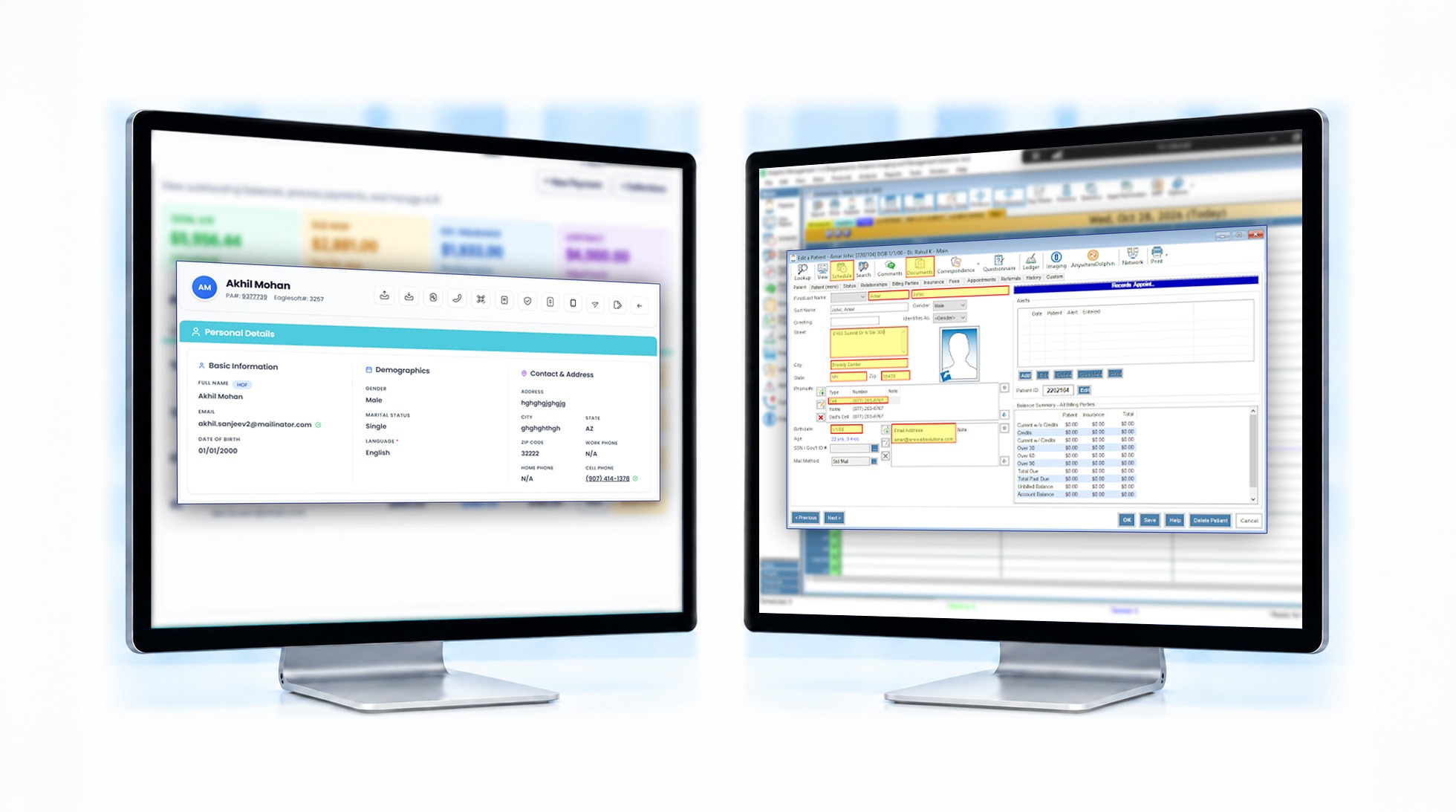
Accurate patient details, entered once
When patients submit a new address or phone number on a form, or staff update their details in mConsent, the changes sync with Dolphin. No double entry.
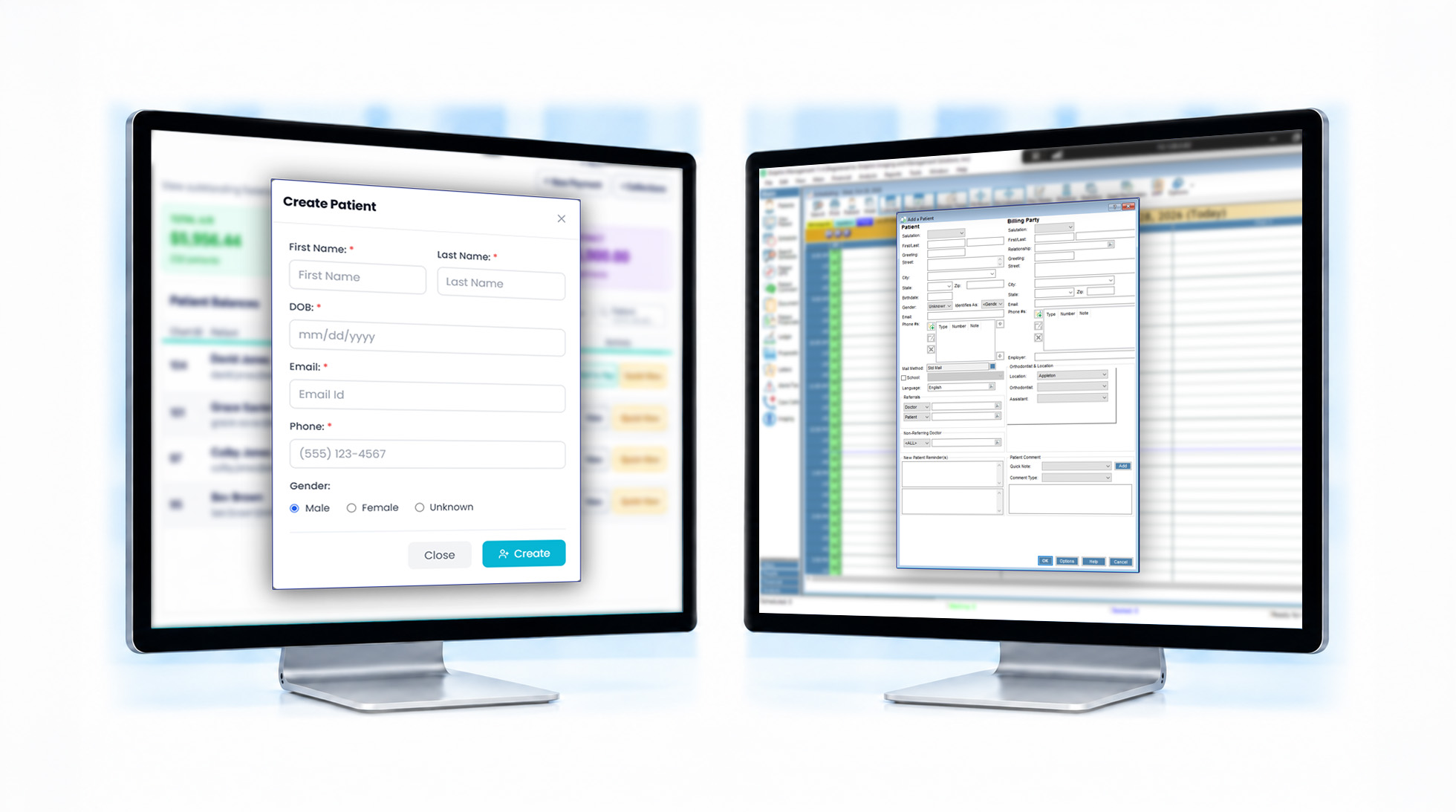
New patients set up before day one
Patients complete paperwork from home, and their Dolphin profile is created before they arrive at the office.
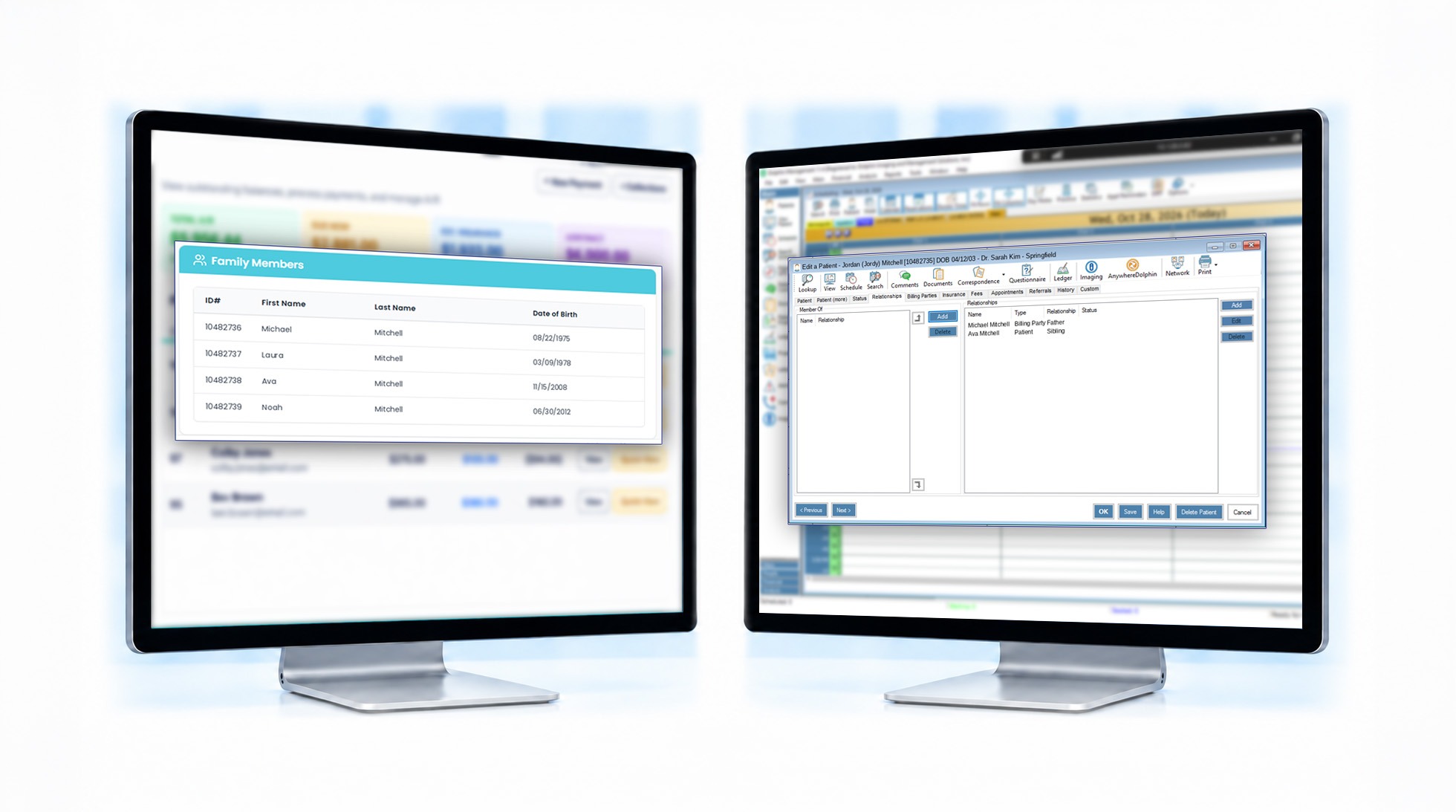
Up-to-date parent and guardian information
Many orthodontic patients are children, so reaching the responsible adult is essential. Parent or guardian names, relationships, phone numbers, and email addresses stay consistent between mConsent and Dolphin.
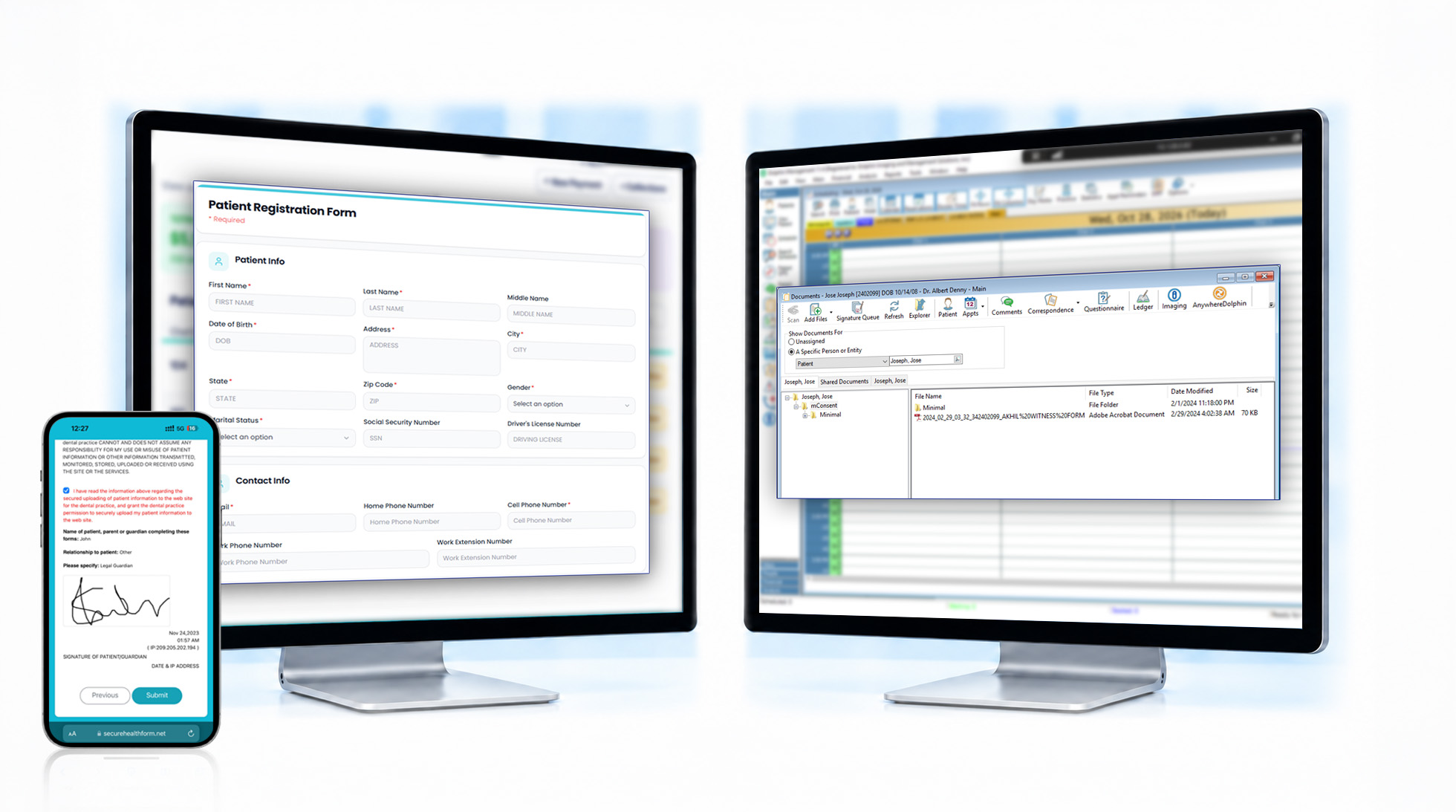
Paperwork filed automatically
Signed forms and card photos go straight to the patient’s Document Organizer, ready for your team when the patient checks in.
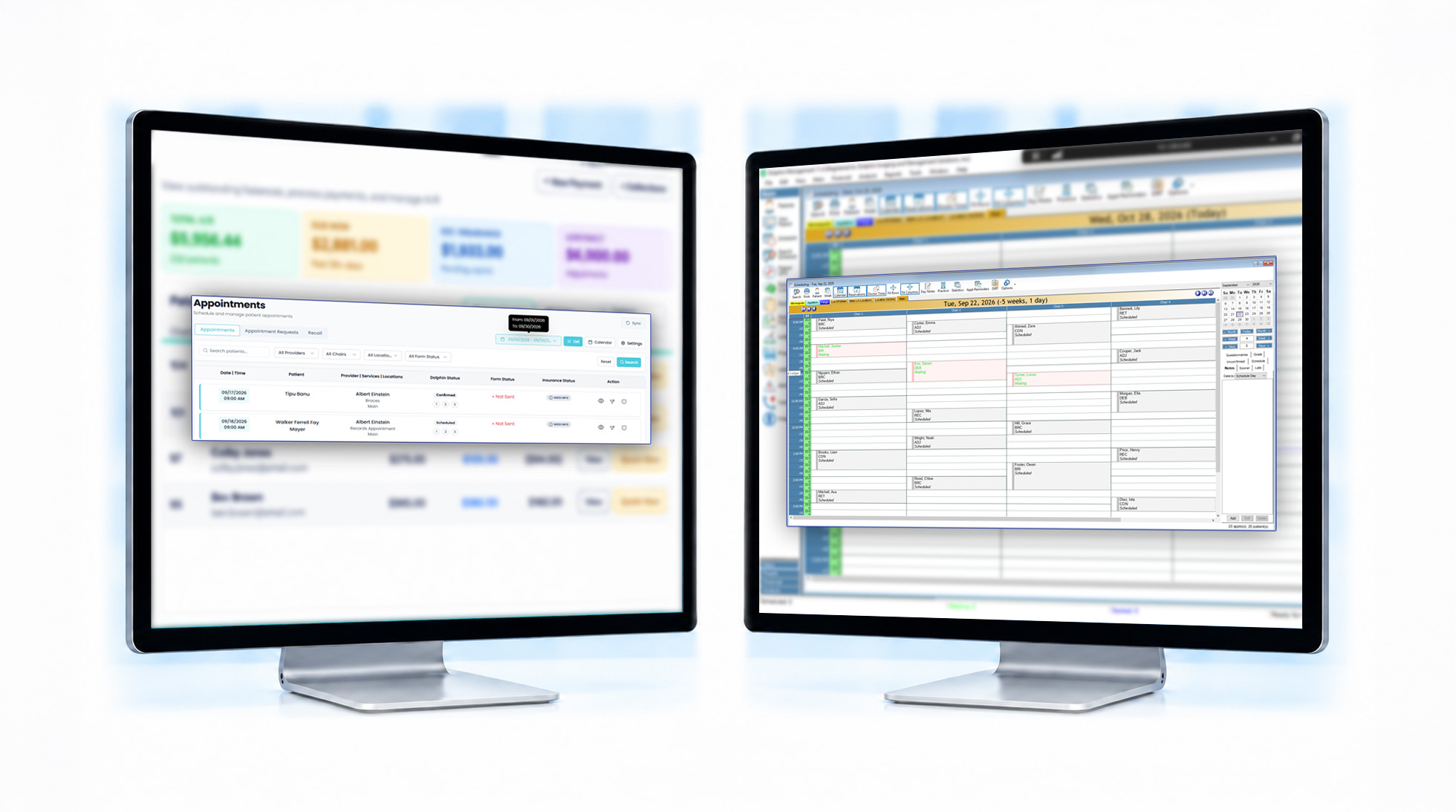
Reminders sent automatically
mConsent uses the Dolphin schedule your team already manages to time appointment reminders and pre-visit forms. Approved online bookings are added directly to the Dolphin Scheduler.
One appointment status across both systems
Whether your team confirms an appointment in Dolphin or mConsent, the status stays in sync. Patients don’t need to confirm twice.
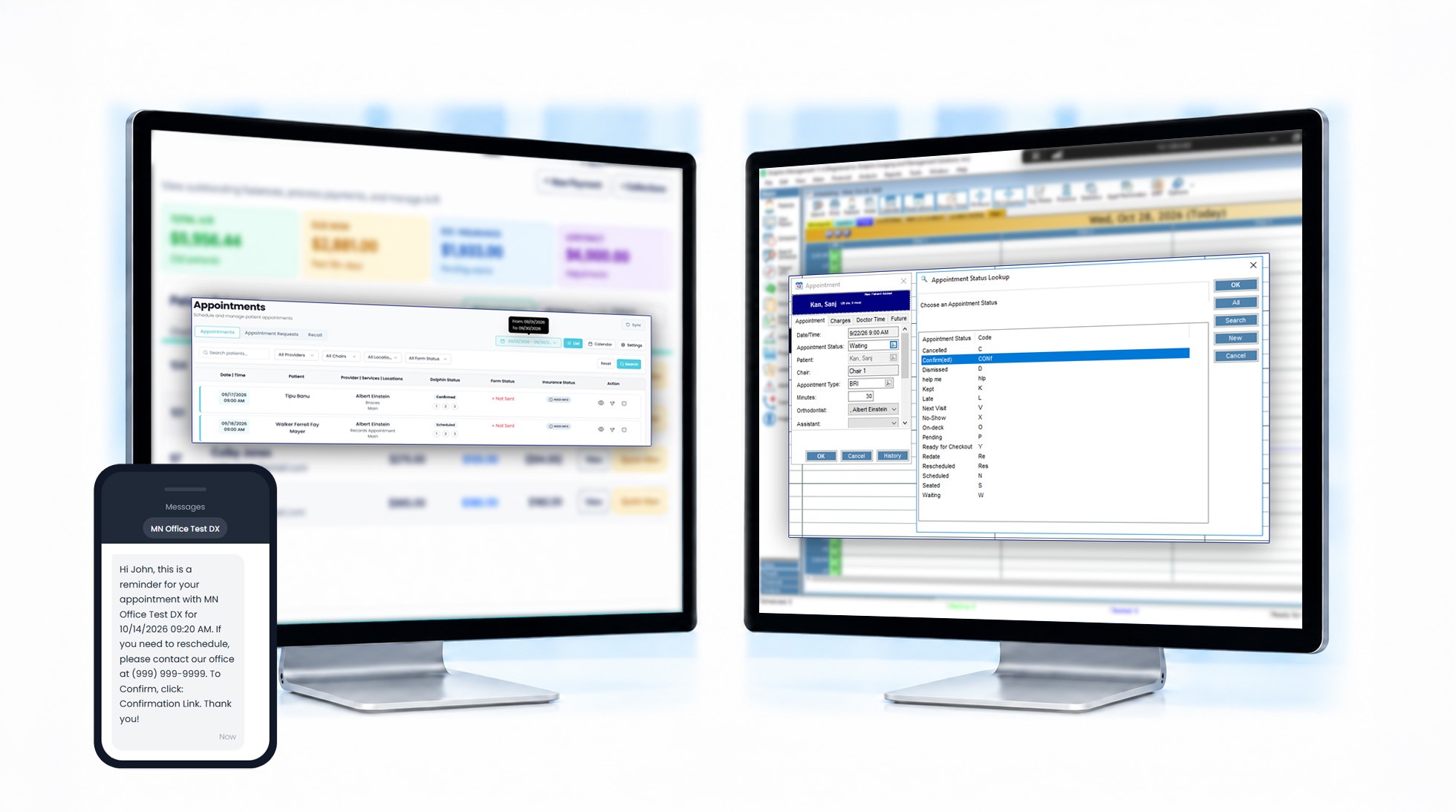
Appointments confirmed without a call
Patients can confirm appointments by replying to a reminder. Dolphin records the confirmation, reducing the need for manual follow-up calls.
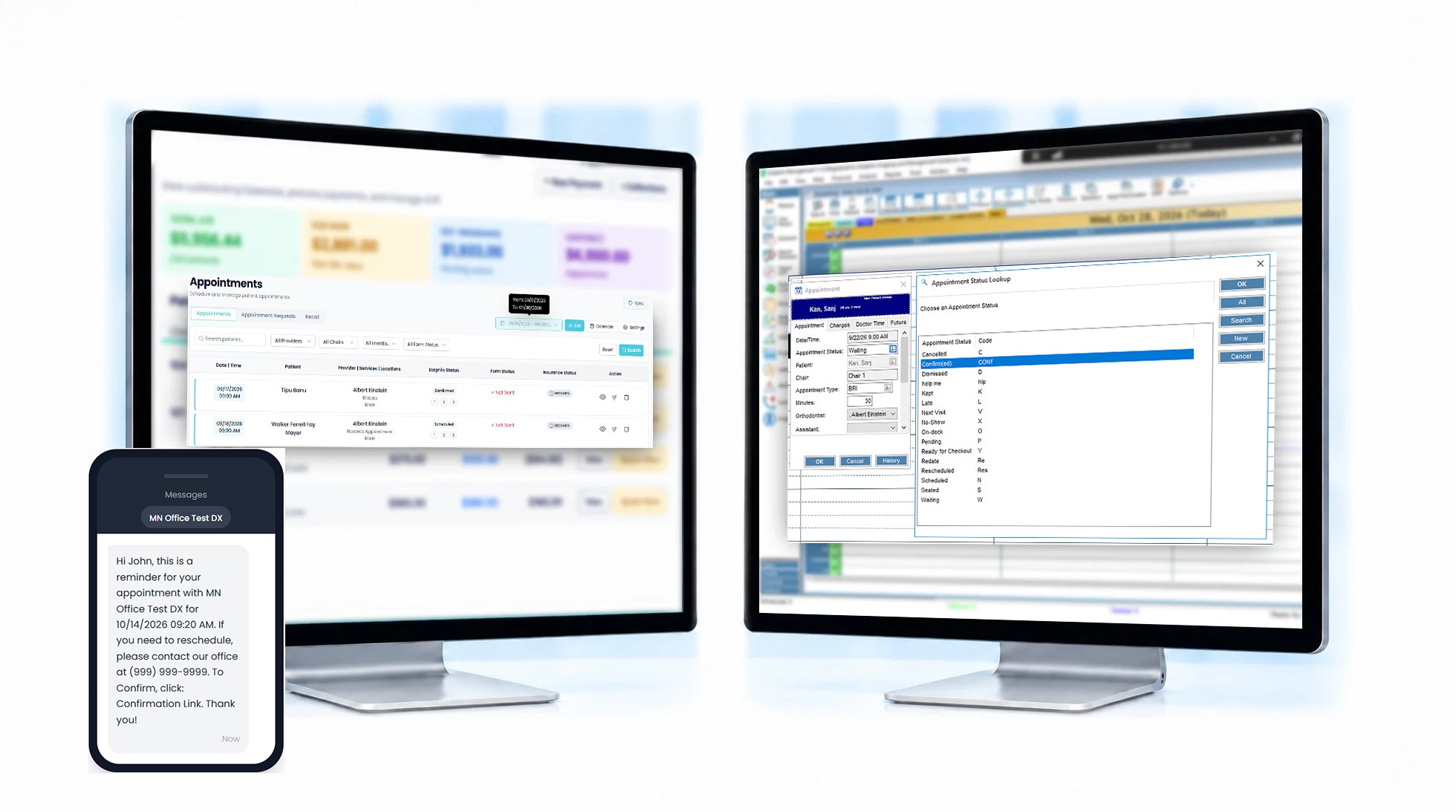
Observation patients return when due
mConsent reminds observation and retainer-check patients to schedule their next visit when they’re due, eliminating the need to manage a manual recall list.
Each module runs on your Dolphin data.
Every module connects with Dolphin to help automate daily workflows. Our team configures each one for your practice during onboarding so that you can get started with less manual work.
Paperless Intake
Patients complete forms, sign documents, and submit insurance and medical history from their phones before the visit. Completed forms are saved to Document Organizer in Dolphin.
Communication
Appointment reminders, confirmations, and two-way texting follow your Dolphin schedule to help reduce no-shows and keep chairs filled. Texting consent is collected and tracked automatically.
mPayr
Accept payments through text-to-pay links or a front desk terminal. Patients and parents can pay in seconds, reducing the work involved in collecting payments.
Zaha AI
An AI receptionist that answers routine scheduling calls 24/7, so new-patient calls don't go unanswered when your office is busy or closed.
Insurance Verification
Human insurance verification specialists verifies eligibility and benefits using insurance information in Dolphin, then saves the results to Document Organizer to reduce time spent calling insurance carriers.
Online Scheduling
Patients can request appointments online anytime. Each request follows your provider, operatory, and appointment-type rules. Your team reviews and approves requests before they're added to the Dolphin Scheduler.
More ways to use mConsent with Dolphin
Get more from your Dolphin integration with tools that help automate everyday front desk tasks and patient communication.
Pediatric forms
Give parents and guardians digital forms for children’s intake and consent, completed before the visit.
Recall reminders
Use Dolphin recall dates to remind observation and retainer patients when it’s time to schedule their next check.
Mass messaging
Send targeted messages to patient groups based on data stored in Dolphin.
Patient reactivation
Reach out to overdue patients identified through Dolphin data and encourage them to book their next visit.
Automatic review requests
Send review requests automatically after completed appointments, without adding another task to your team’s list.
ePrescription
Send prescriptions to the patient’s pharmacy directly from mConsent.
Your Dolphin questions, covered.
Get answers to common questions about Dolphin integration, setup requirements, data syncing, and security.
Dentrix, Eaglesoft, and Open Dental are supported too.
Managing multiple locations with different practice management systems? mConsent supports dental software integration with multiple PMS platforms, connecting patient intake, communication, and dental front-desk workflows. Our team will confirm compatibility and setup requirements during onboarding.
Dentrix
Connect digital intake, patient communication, and patient activity with Dentrix to reduce manual front desk work.
Eaglesoft
Connect intake forms, patient communication, and everyday workflows with Eaglesoft.
Open Dental
Sync patient forms, appointment updates, and other supported workflows with Open Dental.
See how mConsent works with your Dolphin practice.
See how Dolphin integration helps reduce manual front desk work. In a quick demo, we’ll show you how forms are filed in Document Organizer, appointment confirmations update Dolphin, and approved online bookings reach the Scheduler.