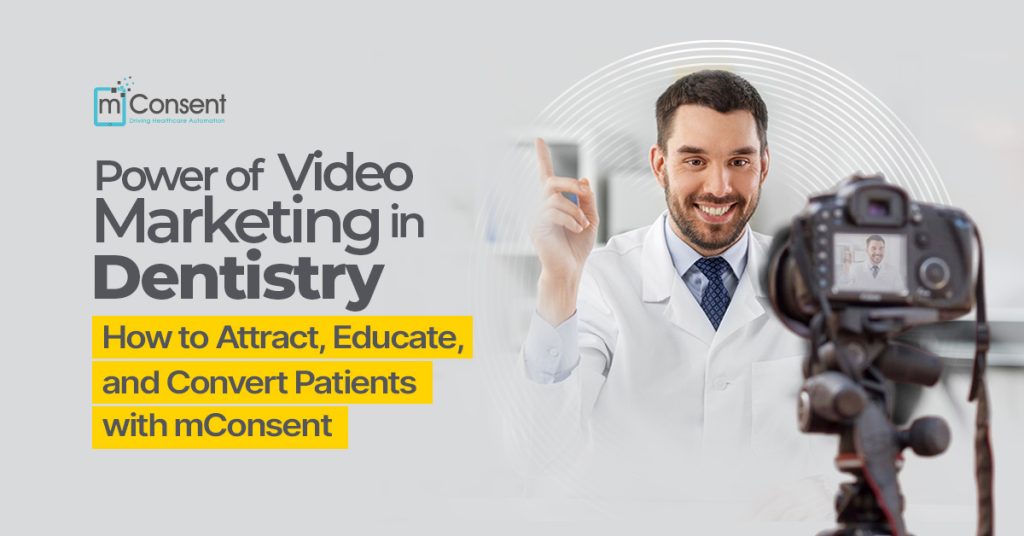



A small dental clinic in a quiet suburban area decided to try something simple: make a 60-second video that explains what they do and post it on their social media. It showed the dentist smiling and calmly going over what to expect on the first visit. Their appointment requests went up by 40% in just one week.
What changed? One video. One message. One connection.
This is the power of video marketing a direct and human way to build trust and break down fear.
But what happens after that patient schedules their visit?
That’s where mConsent comes in. While video attracts and engages, mConsent supports the following steps: making check-in seamless, education thorough, and consent effortless. It’s not a marketing tool it’s a patient service platform that helps practices run smoothly, and patients feel confident from the moment they interact with your office.
Why Video Marketing Matters More Than Ever in Dentistry
Meet Sarah (a fictional patient). She hadn’t seen a dentist in over five years because of fear. One night, while scrolling through Instagram, she watched a short, calming video in which a dentist explained what happens during a routine dental cleaning. The tone was reassuring, and the environment looked clean and welcoming.
She made an appointment the next morning. That’s what makes video so powerful: it turns fear into familiarity.
Why Video Works for Dentistry:
- Patients can see and hear you, which builds trust right away.
- Things that were hard to understand become clear, and confusion goes away.
- You can be found and trusted more easily when you’re online.
Once patients come in, mConsent takes over. It makes sure that their intake is digital, smooth, and easy to navigate, and it also embeds videos that keep educating and reassuring them.
The Role of mConsent in the Patient Journey
It’s important to clarify that mConsent isn’t a video marketing tool or promotional platform. It doesn’t help generate leads or run campaigns. Instead, mConsent enhances what comes after marketing:
- Digital intake forms that reduce paperwork stress
- Video-embedded education so patients understand procedures before consent
- Appointment reminders with helpful instructions and optional explainer clips
- Digital consent that ensures legal and ethical compliance
In short, marketing gets the patient in. mConsent helps them stay, understand, and come back.
Types of Videos That Boost Engagement and How mConsent Supports Patient Education
Here are the types of video content that attract attention before the appointment and how mConsent can support them during the care journey.
Welcome Videos
A brief greeting from the dentist helps establish familiarity before a visit.
Use it on your website, Google profile, or social media.
In mConsent: Include this video in appointment confirmation emails or pre-visit instructions.
Procedure Explainers
Demystify standard services like root canals, implants, or teeth whitening.
Patients are less anxious when they understand what to expect.
In mConsent: Embed these into consent forms or digital treatment plans so patients are fully informed before signing.
Patient Testimonials
Social proof from happy patients is more persuasive than ads.
mConsent showcase testimonials of the satisfied users or dental offices.
Office Tour Videos
Show off your friendly staff and clean, modern facility.
It helps new patients feel more at ease before their arrival.
Add this to a pre-visit email or link it in the automated messages you send using your practice’s communication tool mConsent can help manage the timing and context.
FAQs
Address common patient concerns, such as cost, pain, or insurance.
Use these to support your in-office education.
Where to Share Your Dental Videos for Maximum Exposure
Before the Patient Books:
- Website Homepage – Capture Attention and Reduce Bounce Rate.
- Google Business Profile – Boosts local search engagement.
- Social Media – Short Reels or TikToks for reach.
- YouTube – Ideal for longer explainers or educational videos.
- Email Campaigns – Boost Click-Throughs with Video Thumbnails.
After Booking:
Once a patient has scheduled, marketing is done but education continues.
Here’s where mConsent steps in:
- Add videos to appointment reminders.
- Place procedural explainers directly in digital consent forms.
- Link to post-op care videos in automated follow-ups.
Making Professional-Looking Videos on a Budget
You don’t need a studio. You need:
- A phone with a decent camera
- A quiet room and natural light (or a ring light)
- A warm smile and a clear message
Tools to Get Started:
InShot, Canva Video, or iMovie for editing
Free scripts or talking points to stay organized
A tripod or stand for stability
Remember: Authenticity matters more than production value. Patients want to see you, not a commercial.
How Video Improves Understanding and Informed Consent
Many patients don’t fully understand what they’re agreeing to even if they nod during explanations. That’s a risk to your practice and a disservice to the patient.
mConsent solves this by:
- Embedding educational videos into forms
- Allowing patients to watch before signing
- Making the intake and consent process more interactive and digestible
A one-minute crown procedure video can turn a hesitant “maybe” into a confident “yes.”
Tracking the Impact of Your Videos
While mConsent doesn’t track marketing analytics, you can still monitor video success with:
Marketing Metrics:
View counts and watch time (on YouTube or Facebook)
Click-through rates in emails
Increased appointments tied to specific video campaigns
Clinical Outcomes (Supported by mConsent):
- Reduced no-shows from patients who watched prep videos
- Faster form completion
- Fewer misunderstandings about procedures
- Improved treatment acceptance when videos accompany consent
Involving Your Team in Video Content Creation
Video creation isn’t just for the doctor. Involve your team:
- Receptionist: “Here’s how our check-in works.”
- Dental Hygienist: Brushing and flossing tips.
- Assistant: “What to expect during X-rays.”
These clips give your practice personality and build deeper patient relationships. With mConsent, once the videos are created, you can assign the right content to the right patient journey moment without needing a tech team.
Start Here: Your First 3 Videos
If you’re just beginning, don’t overthink it. Start simple.
- Welcome Video
30 seconds, smile, and a warm intro - Procedure Explainer
Pick your most common service and explain it clearly in under a minute. - Office Tour
Show patients what your space looks like before they arrive.
Upload them to your website, share them on social media, and include them in emails. Then, use mConsent to deliver the right video at the right time during the patient’s journey.
Conclusion: Video Attracts, mConsent Engages
Video marketing is about building trust before the visit. mConsent is about building clarity and confidence during and after the visit. Together, they don’t compete they complement. Video gets patients to your door. mConsent ensures that everything that follows is frictionless, professional, and personalized.
You’re not just treating teeth you’re treating people. And both video and mConsent help you do that better.
Ready to upgrade your patient experience?
Book a free demo with mConsent today and see how seamlessly it supports your practice once your marketing has done its job.
“
”