



It’s 10:15 on a Tuesday. Your front desk has already left six voicemails about tomorrow’s appointments, two patients are waiting to check in, and the phone is ringing again. Of those six voicemails, maybe two will get a callback before lunch.
That’s the daily reality of phone-first dental patient communication. Confirmations, reminders, reschedules, recalls, and follow-ups all compete for the same few people and the same few phone lines.
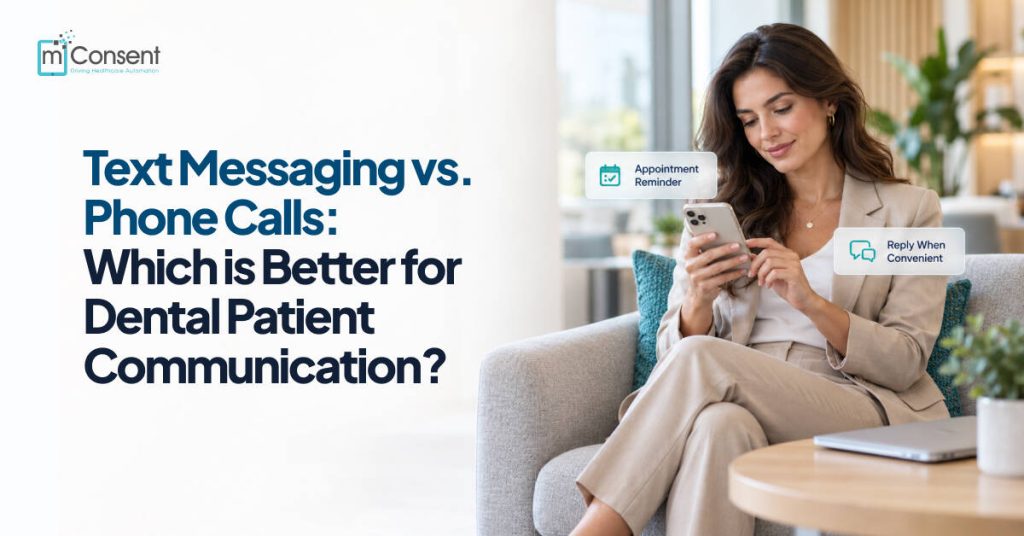
Your patients have already moved on. They text their friends, their pharmacy, and their kids’ school. So the useful question for a practice today is which channel fits which conversation, rather than whether to text at all. This guide breaks it down so you can build a communication workflow that keeps chairs full and your front desk sane.
What Is Dental Patient Communication?
Dental patient communication is every message and interaction a practice uses to keep patients informed and connected before, during, and after their appointments.
For most practices, that includes appointment reminders and confirmations, scheduling and rescheduling, cancellation handling, recall outreach, treatment follow-up, answering patient questions, and sharing practice updates or administrative notices.
Practices reach patients through phone calls, text messages, email, patient portals, and automated notifications. This article focuses on the two direct channels your team uses most: text messaging vs. phone calls.
7 Key Differences Between Text Messaging and Phone Calls
1. Convenience
A phone call only works if the patient can pick up at that exact moment. Many can’t, because they’re at work, driving, in a meeting, or simply busy. So the call goes to voicemail and the task stays on your list.
A text waits for the patient. They can read and reply between meetings or at a red light’s end, on their own time. For routine messages, dental text messaging removes most of the friction that keeps simple tasks open for days.
2. Patient Response
Here’s what one missed call often turns into:
Call → Voicemail → Callback → Phone tag → Conversation
With two-way texting, the same exchange looks like this:
Message → Patient reads → Patient replies → Team responds
Patients get an easy way to answer your practice without needing a live conversation for every routine interaction. Your team gets a reply they can act on right away.
3. Appointment Reminders
Dental appointment remindershttps://mconsent.net/dental-appointment-reminder/ are one of the highest-volume tasks at any front desk, and the method matters.
A phone-based reminder runs: staff calls → patient answers or misses the call → voicemail → follow-up call.
A text-based reminder runs: automated text → patient receives it → patient confirms or replies.
Automated dental text messages handle the repetitive part for you. Patients confirm with a quick reply, and your team only steps in when someone needs to reschedule or has a question. That’s why dental appointment text messaging has become the default reminder method for so many practices.
4. Front-Desk Workload
Phone outreach eats staff time in ways that are easy to underestimate. Each patient can mean a call, a voicemail, a wait for a callback, a second call, and then a note in the chart.
Text messaging for dental practices takes most of that off the desk. Routine reminders and confirmations go out automatically, patients reply in the same thread, and every conversation sits in one place. Your team spends less time dialing and more time helping the patients standing in front of them.
5. Speed and Communication Volume
Every phone call needs a staff member available for its full length, so call volume is capped by headcount.
Automated texts can reach many patients at once, following the rules your practice sets. That lets you handle routine communication at scale while keeping your team’s attention for the conversations that truly need a person.
6. Patient Engagement
Dental patient engagement depends on how easy it is for patients to reach you.
With phone-only communication, patients miss calls, forget to call back, put it off, or struggle to get through during busy hours. Each of those is a small moment where engagement drops.
With two-way texting, patients can receive a message, reply, ask a simple question, confirm an appointment, or request a call, all from the same thread. Lower effort for the patient usually means more responses for you.
7. Documentation and Workflow
After a phone call, someone has to write down what was said, and details slip through the cracks when the desk gets busy.
Text conversations automatically create a written record in your messaging system. That makes it easier to track who was contacted, see the full conversation history, and give everyone on the team the same view of where each patient stands.
When Phone Calls Are Better for Dental Patient Communication
Texting shouldn’t replace every call. Some conversations are better spoken:
- Complex treatment discussions. Patients weighing a treatment plan often need a detailed explanation and a chance to ask follow-up questions in real time.
- Sensitive conversations. Some topics deserve the warmth and nuance of a human voice.
- Urgent issues. When something needs immediate clarification, a live conversation is faster and clearer.
- Patients who prefer calls. Preferences vary, and respecting them builds trust.
- Long back-and-forth exchanges. If a topic would take ten texts to settle, a two-minute call is usually the better option.
When Text Messaging Is Better for Routine Dental Communication
Text is the stronger fit for the everyday, high-volume work: appointment reminders, confirmations, recall messages, scheduling and rescheduling prompts, routine follow-up, practice updates, and simple patient questions. These tasks clog phone lines, and patients are happiest to handle them by text.
Text Messaging vs. Phone Calls: Which Should Dental Practices Use?
It depends on the conversation. Use text for routine reminders, confirmations, recall, simple follow-up, scheduling prompts, and updates. Use phone calls for complex questions, detailed treatment discussions, sensitive topics, urgent issues, and patients who ask to be called.
The best practices combine both channels. Text handles volume, so your team has time for the calls that matter.
How Dental Patient Communication Software Helps
Dental patient communication software helps practices manage patient messaging through digital channels like text and automated notifications. The most useful platforms include automated reminders, appointment confirmations, two-way texting, recall messaging, a shared inbox for patient replies, conversation history, and workflow automation.
More broadly, dental communication software centralizes and automates the conversations between your practice and your patients. The result is fewer repetitive tasks, more consistent messaging, easier handling of patient replies, and stronger dental patient engagement.
How to Choose Dental Communication Software
Before you commit to a platform, ask these ten questions:
- Two-way messaging: Can patients reply directly to your texts?
- Appointment reminders: Can reminders go out automatically?
- Confirmations: Can patients confirm with a simple reply?
- Recall communication: Can you reach patients who are due for care?
- Automation: Can routine messages run without manual work from staff?
- Workflow integration: Does it fit your practice management system and daily routine?
- Response management: Can your team easily view and respond to patient messages?
- Security and compliance: Does it offer appropriate safeguards for patient communication, including HIPAA compliance and a BAA?
- Reporting: Can you see communication activity and response patterns?
- Scalability: Will it keep up as your patient base grows?
How mConsent 2-Way Patient Simplifies Dental Patient Communication
mConsent 2-Way Patient gives your practice a simple way to move routine communication to text while keeping every patient conversation in one place.
- Simplify appointment communication. Send appointment reminders and confirmations by text so that patients can confirm in seconds.
- Let patients reply directly. Patients answer your messages by text instead of calling the practice for every small question.
- Cut repetitive phone calls. Shift routine outreach from the phone to text, and free your front desk from phone tag.
- Bring patients back with recall. Send recall messages that make it easy for patients due for care to reconnect and book.
- Lighten front-desk workload. Automate routine outreach so your team can focus on the replies and patients that need their attention.
- Meet patients where they are. Give patients a channel they already use every day and can respond to whenever it suits them.
mConsent integrates with leading practice management systems, including Dentrix, Eaglesoft, and Open Dental, and has supported more than 5,000 dental practices since 2017.
Text messaging works alongside phone calls, not replacing them. Let SMS for dental practices handle reminders, confirmations, recall, routine follow-up, simple questions, and scheduling. Keep the phone for complex discussions, detailed explanations, sensitive conversations, urgent issues, and patients who prefer to talk.
Conclusion
Your team spends a large share of every day on appointments, reminders, confirmations, recalls, and follow-up. Phone calls still have an important place, but when every routine task runs through the phone, you get phone tag, repeated calls, and a front desk that never catches up.
Two-way texting gives you a better path for dental patient communication. Routine messages go out automatically, patients reply on their own time, and your staff can put their energy where it counts.
With mConsent 2-Way Patient, you can send reminders, confirmations, recall messages, and practice updates while patients respond by text, all from one place.
Simplify Dental Patient Communication With Two-Way Text Messaging
Frequently Asked Questions
Is text messaging better than phone calls for dental patient communication?
For routine communication like reminders, confirmations, recall, and simple follow-up, texting is usually more convenient for patients and more efficient for staff. Phone calls remain the better choice for complex, sensitive, or urgent conversations.
Why should dental practices use text messaging?
Dental text messaging lets practices send reminders and updates efficiently while giving patients an easy way to reply without calling.
What is two-way text messaging for dental practices?
Two-way text messaging lets a dental practice send a text to a patient and receive the patient’s reply by text, creating an ongoing conversation in a single thread.
Can dental text messaging reduce phone calls?
Yes. Moving routine reminders, confirmations, recall, and simple follow-up to text can reduce repetitive phone calls and cut down on phone tag.
What are dental appointment text messages?
Dental appointment text messages are SMS messages used to remind patients about upcoming visits, request confirmations, share scheduling details, or send other appointment-related updates.