



In recent years, the expectations of a patient while seeking medical attention have gone up significantly; hence, even how the patient is treated is also expected to be better, which means enhancing the caregivers’ approaches. This is where a lot of people have turned to software. This tool is helpful because it enhances people’s ability to practice the business and creates partners in the workflows throughout the organization.
Whatever the case, whether it be a growing, multi-disciplined practice or a busy dental office, the right patient communication platform is crucial for your success. Let us analyze and give the most important ones first, followed by all the main features that make a choice you need to make the one that fits your needs best.
What is Patient Communication Software?
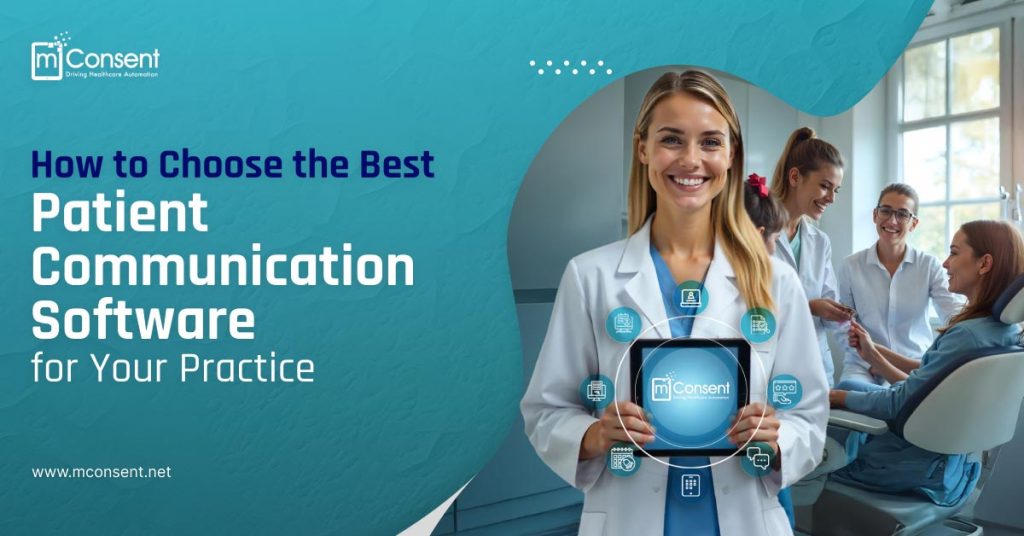
Patient communication software is an electronic tool for filling the communication gap between service providers and their patients. It performs scheduling, reminders, two-way messaging, and feedback collection tasks. The goal is to make it more convenient for patients and efficient for staff.
Why It is Important?
As healthcare progresses to a more patient-centric approach, it is realizing its reliance model on communication tools. And here’s why:
- Low No-Show Rates: Fewer no-shows occur as a result of automated operations.
- Better Patient Retention: Efficient communication fosters trust and assists in developing lasting connections, leading to improved patient retention.
- Reduced operational inefficiencies: More streamlined processes save staff time and prevent administrative favorites.
Key Features to Look For
- Appointment reminders and Scheduling
- Two- Way Communication
- Tools for Gathering Feedback
- Integration of E-MR/EHR
- Telehealth Options
- Resources for Education
- HIPAA-compliant messaging security
Missed appointments end up costing a lot. Seek out applications that offer reminders sent by email, text, or phone.

Envision a scenario where a patient could receive an immediate response to a surgical-related SMS message. Patients are able to trust and feel valued when they receive this kind of immediate attention.
Review by patients is gold. Great testimonials can help you to gather, evaluate, and respond to patient comments thereby pointing up areas of development and strengthening your web profile.
It should be easy for you to combine it with electronic health or medical records to keep accurate and easily available patient data. This will save you time and stop effort duplication.
Make sure your program lets virtual consultations satisfy the needs of patients who would rather be seen remotely since telehealth is a new benchmark of modern treatment.
Platforms with instructional content such as aftercare guidelines or preventative health advice helps consumers to take charge of their health.

Patient privacy cannot be sacrificed. Your program ought to be HIPAA compliant and encrypted, totally safe.
Benefits of Patient Communication Software
- Enhanced patient involvement: Stronger relationships with patients are the outcome of timely and tailored communication.
- Improved Productivity: By automating mundane processes like appointment confirmations, your team is free to concentrate on providing outstanding care.
- Revenue growth: Better financial results are the result of fewer no-shows and more streamlined billing procedures.
- Reduced Staff Time: Employees will have more mental and physical energy to devote to higher-value activities.
Factors to Consider When Choosing Software
- User-Friendliness
- Scalability
- Customization
- Cost vs. ROI
- Support and Training
- Security and Compliance
Choose user-friendly software for staff and patients. Complex systems can demotivate adoption and decrease efficiency.
Your practice will grow, and your software needs to grow with it. Invest in scalable tools that can support a growing number of patients, and you can layer on advanced tools as you go.
No practice has identical needs. Look for the best platform that helps you customize workflows, templates, and communication styles to fit your practice.
The cost comes into play here, but be sure to assess the overall value of the software you are looking into. A marginally higher initial investment could pay dividends in improved efficiency and higher revenues.
Opt for a vendor that offers strong onboarding and ongoing support to help your team transition smoothly.
Protect sensitive patient data by ensuring the software you choose sticks to industry standards (e.g. HIPAA certification.)
Comparing Options: Your Checklist
- Feature Comparison: Identify must-haves, like real-time messaging or EHR integration.
- Trial Periods: Try the software through demos or trials before committing.
- Vendor Transparency: Engage with vendors who are clear about their prices and services.
Implementation: A Step-by-Step Approach
- Assess Your Needs: Evaluate the main issues facing your practice, whether they are time lost from too demanding administrative work or regular no-shows.
- Train Your Team: Give your employees comprehensive instruction so they will be confident and competent utilizing the program.
- Introduce It to Patients: To inspire patient involvement, highlight the program in emails, on social media, or on office supplies.
- Monitor Progress Regularly: Review and modify the performance of the software to raise its patient happiness and efficacy.
Final Thoughts
Software for patient communication has evolved into an indispensable resource in today’s healthcare system. By improving communication, streamlining processes, and increasing patient happiness, the correct platform may revolutionize your practice.
Think about what you need, look into the characteristics that are important to you, and compare your selections. If you want to develop a more connected, patient-centered practice, a demo from a reliable source is a great place to start.
Visit us today : https://mconsent.net/.
“
”